Picture this: a payroll manager wraps up the week and notices employee hours look slightly off. Not dramatically wrong, just a few minutes here and there. After digging into the time records, the culprit turns out to be rounding — and a policy that was never quite set up correctly.
This is more common than most small business owners realize. Time rounding is one of those payroll practices that feels intuitive but carries real compliance risk when it's not done right. Many employers round employee time without fully understanding the rules behind it, which can quietly expose them to Fair Labor Standards Act (FLSA) violations.
This post covers everything you need to know about the 7-minute rule, how a time card calculator with the 7-minute rule built in actually works, and what the FLSA requires to keep your rounding practices legal. If you manage hourly employees and want a straightforward, compliant approach to time tracking, you're in the right place.

Table of Contents
- What Is the 7-Minute Rule?
- Actual Punch vs 7-Minute Rule
- The Full Rounding Table (How Minutes Map to Quarter Hours)
- How the 7-Minute Rule Works in a Time Card Calculator
- Is the 7-Minute Rule Legal? What the FLSA Actually Says
- Daily vs. Weekly Rounding: Does It Matter?
- Common Rounding Mistakes to Avoid
- Best Practices for Applying the 7-Minute Rule
- Frequently Asked Questions
- Keep Your Rounding Legal and Your Payroll Simple
What Is the 7-Minute Rule?
The 7-minute rule is a time rounding practice tied to the FLSA's allowance for employers to round employee punch times to the nearest quarter hour (15-minute increment). It's not a standalone law — it comes from how the Department of Labor interprets the broader FLSA rounding provision under 29 CFR 785.48(b).
Here's how the rounding logic works:
- If an employee punches in 1 to 7 minutes past a quarter-hour mark, the time is rounded down to the current quarter hour.
- If an employee punches in 8 to 14 minutes past a quarter-hour mark, the time is rounded up to the next quarter hour.
The U.S. Department of Labor's Fact Sheet #53 spells this out directly: "Employee time from 1 to 7 minutes may be rounded down, and thus not counted as hours worked, but employee time from 8 to 14 minutes must be rounded up and counted as a quarter hour of work time."
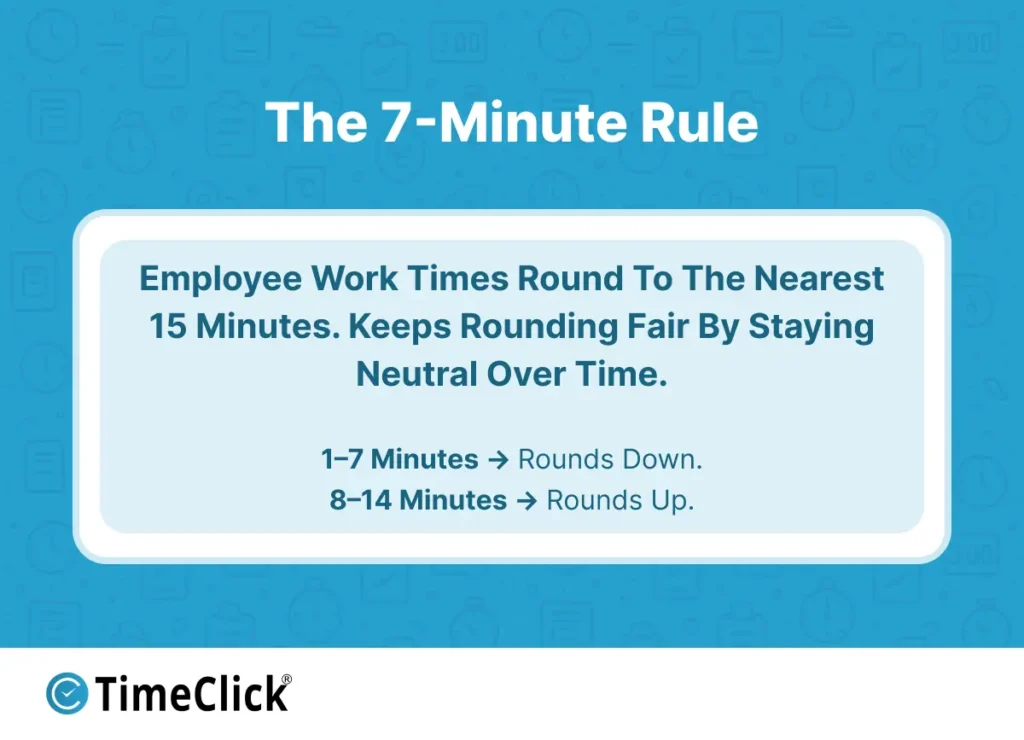
One thing worth clarifying: the 7-minute rule only applies to 15-minute interval rounding. If your timekeeping system rounds to the nearest 5 minutes or 6 minutes (one-tenth of an hour), different thresholds apply. The "7-minute" name specifically refers to the midpoint in a 15-minute window — anything on the lower half rounds down, anything on the upper half rounds up.
The Full Rounding Table (How Minutes Map to Quarter Hours)
Applying the 7-minute rule consistently across every shift is a lot easier with a reference table. The four anchor points in any hour are :00, :15, :30, and :45. Every punch time gets mapped to the nearest one of those marks using the rounding thresholds below.
| Minutes Past the Quarter Hour | Round To |
|---|---|
| 0 – 7 minutes | Current quarter hour (round down) |
| 8 – 14 minutes | Next quarter hour (round up) |
| 15 – 22 minutes | Current quarter hour (round down) |
| 23 – 29 minutes | Next quarter hour (round up) |
For a complete view across the full hour, here's how every minute block maps to a rounded quarter-hour mark:
| Minutes Past the Hour | Rounds To |
|---|---|
| :00 – :07 | :00 |
| :08 – :22 | :15 |
| :23 – :37 | :30 |
| :38 – :52 | :45 |
| :53 – :59 | :00 (next hour) |
Let's walk through two quick examples to make this concrete:
- Employee punches in at 8:07 — This is 7 minutes past :00, so it rounds down to 8:00.
- Employee punches in at 8:08 — This is 8 minutes past :00, so it rounds up to 8:15.
One minute makes a 15-minute difference in pay. That's why getting this right matters.
How the 7-Minute Rule Works in a Time Card Calculator

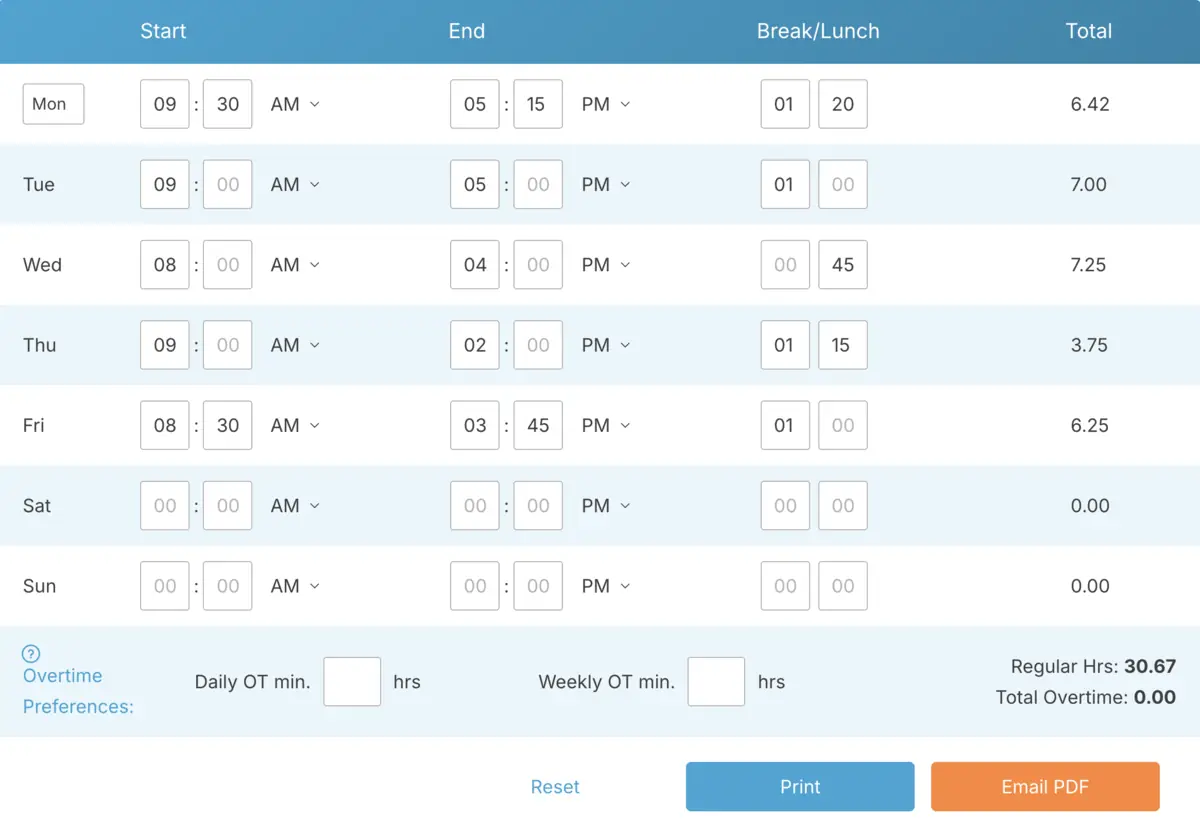
Doing this math manually for every punch, every employee, every day adds up fast. A time card calculator with 7-minute rounding built in handles all of it automatically — no mental math, no lookup tables, no conversion errors.
Here's what the process looks like when a calculator applies rounding:
- The employee clocks in and out.
- The calculator identifies the nearest quarter-hour mark for each punch.
- It applies the 7-minute rule to determine whether to round up or down.
- It calculates total hours worked based on the rounded times.
Here's a worked example of a full shift:
- Clock in: 8:06 → rounded to 8:00
- Clock out: 5:09 → rounded to 5:15
- Total hours calculated: 9.25 hours
Without a calculator, you'd need to convert minutes to decimals by hand — a tedious process that's also easy to get wrong. A calculator that handles rounding automatically removes that friction and keeps results consistent across your team.

Use TimeClick's free time card calculator to apply 7-minute rounding without the manual math. Try our free time card calculator to apply 7-minute rounding automatically.
If you want a refresher on the basic hour math behind time card calculations before diving into rounding, check out our guide on how to calculate total work hours accurately online.
Is the 7-Minute Rule Legal? What the FLSA Actually Says
Yes, time rounding is legal under the FLSA — but there's an important condition attached to it. The regulation doesn't give employers a blank check to round however they want.
Under 29 CFR 785.48(b), the practice is accepted only when it "will not result, over a period of time, in failure to compensate the employees properly for all the time they have actually worked."
In plain terms: rounding must average out in both directions over time. Sometimes it favors the employee, sometimes the employer, and across a full pay period those differences should roughly balance out. That neutrality requirement is the whole foundation of legal rounding.
The most common violation? Always rounding down. The DOL's Fact Sheet #53 includes a clear example of this going wrong: an employer only counts time in full 15-minute increments, which means an employee who clocks out 12 minutes late every day loses an hour of pay each week — and the employer ends up owing overtime. That's an FLSA violation.
Two things to keep top of mind:
- Rounding is not a tool for reducing payroll costs.
- If your rounding consistently saves you money, it's almost certainly illegal.
Also worth noting: the FLSA sets the federal floor, but some states have stricter rounding rules. Always verify your state's wage and hour regulations before finalizing your timekeeping policy.
TIMECLICK TIP
This post is for informational purposes only and does not constitute legal advice. If you have specific compliance questions about your rounding practices, consult a qualified employment attorney.
Daily vs. Weekly Rounding: Does It Matter?

Most time card calculators apply rounding at the punch level — each individual clock-in and clock-out gets rounded. This is the most common approach and the most legally straightforward one.
But here's something many employers overlook: rounding individual punches can affect weekly overtime thresholds in ways that aren't immediately obvious. The DOL's Fact Sheet #53 walks through an example where an employee clocks in 10 minutes early every day and clocks out 7 minutes late. With correct rounding applied, that employee's rounded weekly total comes out to 41.25 hours — enough to trigger overtime pay.
The takeaway is simple: when rounded hours push a weekly total over 40, overtime kicks in. You can't reverse the rounding to avoid it. The rounding was applied correctly, the overtime threshold was crossed, and the pay is owed.
If you want to understand exactly how overtime math works when rounding is in the picture, our guide on how to calculate overtime hours without spreadsheets breaks it down step by step.
Common Rounding Mistakes to Avoid

Most rounding problems aren't intentional — they come from unclear policies or inconsistent application. Here are the most common mistakes to watch for:
- Always rounding down: The most frequent FLSA violation. Even if it simplifies your payroll, it's illegal if it consistently underpays employees.
- Inconsistent application: Rounding some employees' time but not others creates legal risk and can erode employee trust.
- Skipping regular audits: Best practice is to review your rounding outcomes at least once per pay cycle to catch any patterns of systematic underpayment before they become a problem.
- Employees gaming the system: Some employees catch on quickly — if clocking in 6 minutes early always counts as 15 extra minutes of pay, that behavior can spread. A clear, written timekeeping policy helps address it.
- Rounding into overtime without accounting for it: Rounding up can push a weekly total over 40 hours. Make sure your payroll process catches this and compensates accordingly.
Best Practices for Applying the 7-Minute Rule
Getting rounding right doesn't require a complicated system. These five practices will keep you consistent and compliant:
- Document your rounding policy: Put it in writing. Employees should know exactly how their time is being rounded, why, and what thresholds apply.
- Apply it consistently: Use the same rounding method for all hourly employees, every pay period, without exception.
- Audit regularly: Once per pay cycle, take a look at whether rounding is consistently reducing employee pay. If it is, something needs to change.
- Use a reliable time card calculator: Manual rounding introduces human error. A calculator that applies the 7-minute rule automatically reduces compliance risk and saves time.
- Stay informed on state law: Federal FLSA sets the baseline. Your state may have stricter rules — check them.
Want to skip the manual math entirely? Use TimeClick's free time card calculator to apply consistent, compliant rounding automatically.
Frequently Asked Questions
Still have questions about the 7-minute rule and how it works with your time card calculator? Here are the answers to the most common ones.
Can I round employee time to the nearest 5 minutes instead of 15?
Yes. The FLSA permits rounding to the nearest 5 minutes, 1/10th of an hour (6 minutes), or quarter hour (15 minutes). The 7-minute rule applies specifically to 15-minute rounding. Different thresholds apply for 5-minute and 6-minute intervals.
What happens if my rounding always favors the employer?
That's an FLSA violation. The DOL requires that rounding average out fairly over time. Consistent underpayment — even by a few minutes per shift — can result in wage theft claims and overtime liability. Courts tend to rule in employees' favor in these cases.
Does the 7-minute rule apply to salaried employees?
No. Rounding is only relevant to non-exempt hourly employees who are paid for actual hours worked. Salaried exempt employees are not subject to time clock rounding rules under the FLSA.
Do I have to use the 7-minute rule if I round time?
Only if you round to the nearest 15 minutes. The 7-minute rule is the correct threshold for quarter-hour rounding. If you use 5-minute or 6-minute intervals instead, different midpoints apply and the 7-minute rule doesn't directly translate.
Can a time card calculator apply the 7-minute rule automatically?
Yes, and that's one of the biggest advantages of using one. A time card calculator with built-in rounding eliminates manual calculation errors and ensures consistent, compliant application across your entire team without extra work on your end.
Keep Your Rounding Legal and Your Payroll Simple
The 7-minute rule is a practical, legal rounding method — but only when it's applied correctly and consistently. It's not a way to trim payroll costs. It's a structured approach to handling the small timing variations that come with any hourly workforce.
The key takeaway is straightforward: rounding must balance out over time. It can't systematically shortchange employees. Reviewing your rounding outcomes once per pay cycle is the simplest way to make sure you stay on the right side of the FLSA.
For small business owners managing hourly staff, doing all of this manually is time-consuming and easy to get wrong. A time card calculator that applies the 7-minute rule automatically takes that off your plate — consistent rounding, every shift, without the mental math.
Ready to simplify your payroll prep? Try our free time card calculator and put 7-minute rounding on autopilot.
Want to keep building on this? Check out our guides on how to calculate total work hours accurately online and how to calculate overtime hours without spreadsheets for the full picture.
Not using TimeClick yet? Try our time clock software free. Simple setup, unlimited users, and built for small businesses. No credit card required.
Start your FREE TimeClick Trial Today.