
Only Let Employees Clock In From Approved Locations
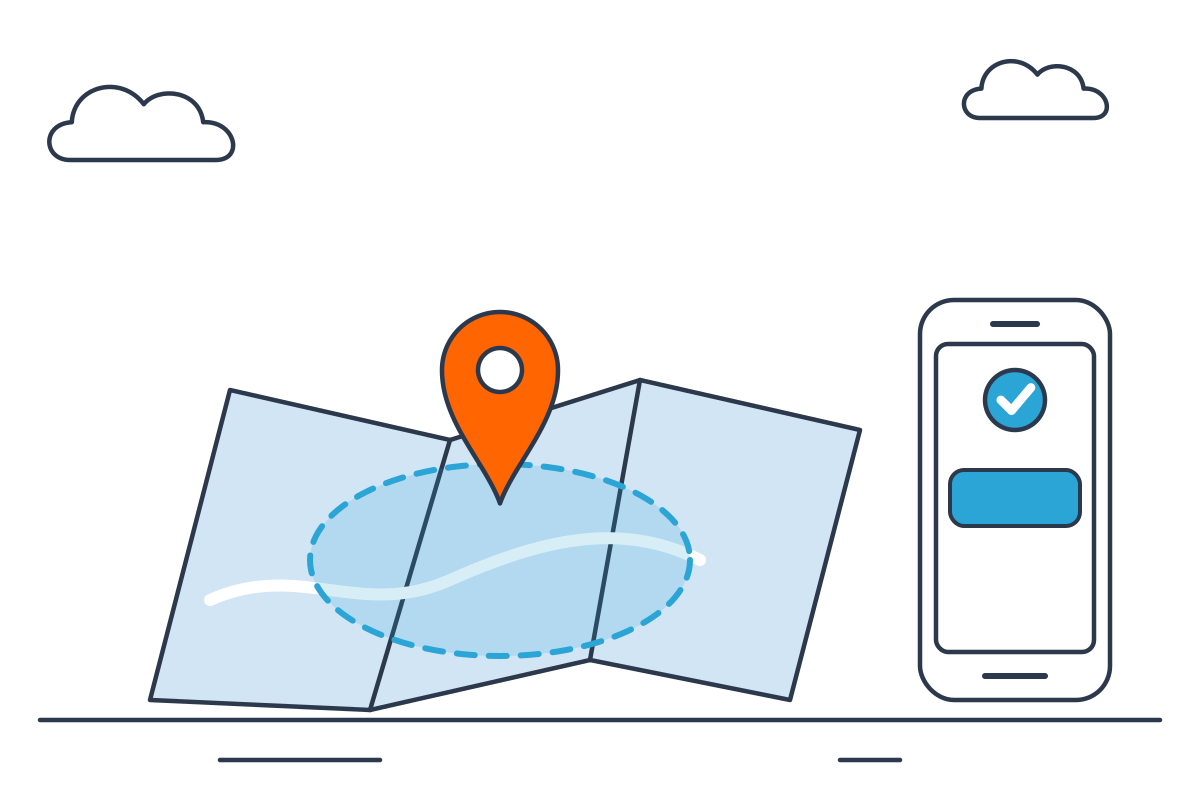
TimeClick’s geofencing feature restricts clock-ins to a GPS-defined zone around your worksite. Employees outside the boundary are blocked from punching in. Every blocked attempt is logged with their GPS location and timestamp.
- GPS boundary enforcement
- Blocked attempts logged automatically
- Multiple zones for multi-site businesses
- Add-on to your Support membership
Trusted by 8,000+ businesses, offices and stores









Draw a Zone Around Your Worksite. Employees Outside It Can’t Clock In
In the Edit Boundaries screen, you draw a polygon around your worksite directly on a map. Assign that zone to specific employees or departments. When an employee tries to clock in from outside the zone, they’re blocked and the attempt is logged with their GPS location and timestamp.
Paid add-on: Geofencing requires an active TimeClick Support membership and is available as a paid add-on. Call (435) 753-4102 or live-chat with us for pricing.
- Draw geofence zones directly on a map
- Assign zones to specific employees or departments
- Out-of-zone clock-in attempts blocked automatically
- Blocked attempts logged with GPS location and timestamp
Every Out-of-Zone Attempt Is Recorded With GPS Coordinates, Time, and Who Tried
TimeClick doesn’t just block the punch, it logs it. Admins can review a full history of blocked attempts, including which employee tried to clock in, when, and where they were. GPS checking happens only at clock-in, not continuously.
- Full log of blocked attempts in the admin panel
- Each entry shows employee, time, and GPS location
- GPS checked at clock-in only, not ongoing tracking
| Employee | Time | Reason |
|---|---|---|
| Grant, Evan | Mar 5 · 7:31 AM | Out of zone |
| Jones, Jeff | Mar 4 · 8:02 AM | Out of zone |
| Smith, Kevin | Mar 3 · 12:55 PM | Out of zone |
Location is checked at clock in only. No tracking during the shift.
Set Up Geofencing in Four Steps
Requires active TimeClick Support plan + geofencing add-on. Call (435) 753-4102 or live-chat with us to get started.
- 1
Add geofencing to your Support membership
Call (435) 753-4102 or live-chat with us to add geofencing to your account. It’s a paid add-on to an active TimeClick Support plan.
- 2
Draw your boundary on the map
Open Edit Boundaries in the admin panel. Use the map tools to draw a polygon around your worksite. Create multiple zones for multi-location businesses.
- 3
Assign the zone to employees
Select which employees or departments the boundary applies to. Assign different zones to different teams if your business operates across multiple sites.
- 4
Blocked attempts are logged automatically
Employees outside the zone are blocked at clock-in. Every blocked attempt is logged with GPS location, timestamp, and credentials.
With Geofencing vs. No Location Controls
What does your business gain by adding GPS-restricted clock-ins?
Swipe the table sideways to see all columns
| Feature | With Geofencing | Without Geofencing |
|---|---|---|
| Block out-of-zone clock-ins | Yes | No |
| Log blocked attempt with GPS | Yes | No |
| Prevent buddy punching remotely | Yes | No |
| Create multiple zones per account | Yes | No |
What Customers Say About TimeClick
 4.7 from 427 reviews
“TimeClick is wonderful for time logging and employee attendance. All of the employees have no issues with it and have said how easy it is to use.”
“Very responsive customer support. Very easy and stable product. Great value for the price — works exactly as advertised from day one.”
“Unlike the other software I used before, you buy once and use forever. Much simpler UI — no VPN, no complicated setup.”
One-Time Purchase With Unlimited Employees
No monthly fees and no per-user charges. You pay for the number of devices employees clock in on, and add staff any time at no cost.
See all 11 license optionsPhones and PCs both count as devices. Employees are always unlimited.
Geofencing FAQ
Can’t find your answer? Call (435) 753-4102 or use the chat button.
Call (435) 753-4102How much does geofencing cost?
Geofencing is a paid add-on to an active TimeClick Support membership. Pricing depends on your setup. Call (435) 753-4102 or live-chat with us and our team will walk you through the options.
Does TimeClick track employee location continuously?
No. TimeClick only checks GPS location at the moment of clock-in. Employees are not tracked between punches. This is a location verification system, not ongoing GPS monitoring.
What happens when an employee tries to clock in outside the zone?
The clock-in is blocked. The employee sees a message that they’re outside the approved zone. The attempt is logged in the admin panel with GPS coordinates, the time, and their login credentials.
Can I create multiple geofence zones?
Yes. You can draw multiple zones for different worksites and assign specific zones to specific employees or departments. Multi-location businesses can manage all zones from the same admin panel.
Does geofencing work with the mobile app?
Yes. Geofencing applies to mobile clock-ins. When an employee uses the TimeClick app from outside their assigned zone, the punch is blocked just as it would be on desktop.
What does the Support membership include?
TimeClick’s support plan includes free software upgrades, U.S.-based phone support, and access to the mobile app for mobile clock-ins. It’s included free your first year with any license purchase. Geofencing is an additional paid add-on on top of your support membership.
Explore More TimeClick Features
Stop Out-of-Zone Clock-Ins Before They Happen
Call (435) 753-4102 to add geofencing, or start a free trial to explore the base product.