
Time Tracking Software That Just Works
TimeClick is employee time tracking software designed for small businesses. Get functional software that does what you need without all the bells and whistles. One-time purchase starting at $299.
- One-time purchase · No monthly fees
- Unlimited employees
- Windows · iOS · Android
- 14-day free trial
Trusted by 8,000+ businesses, offices and stores








Simple Interface That Anyone Can Use
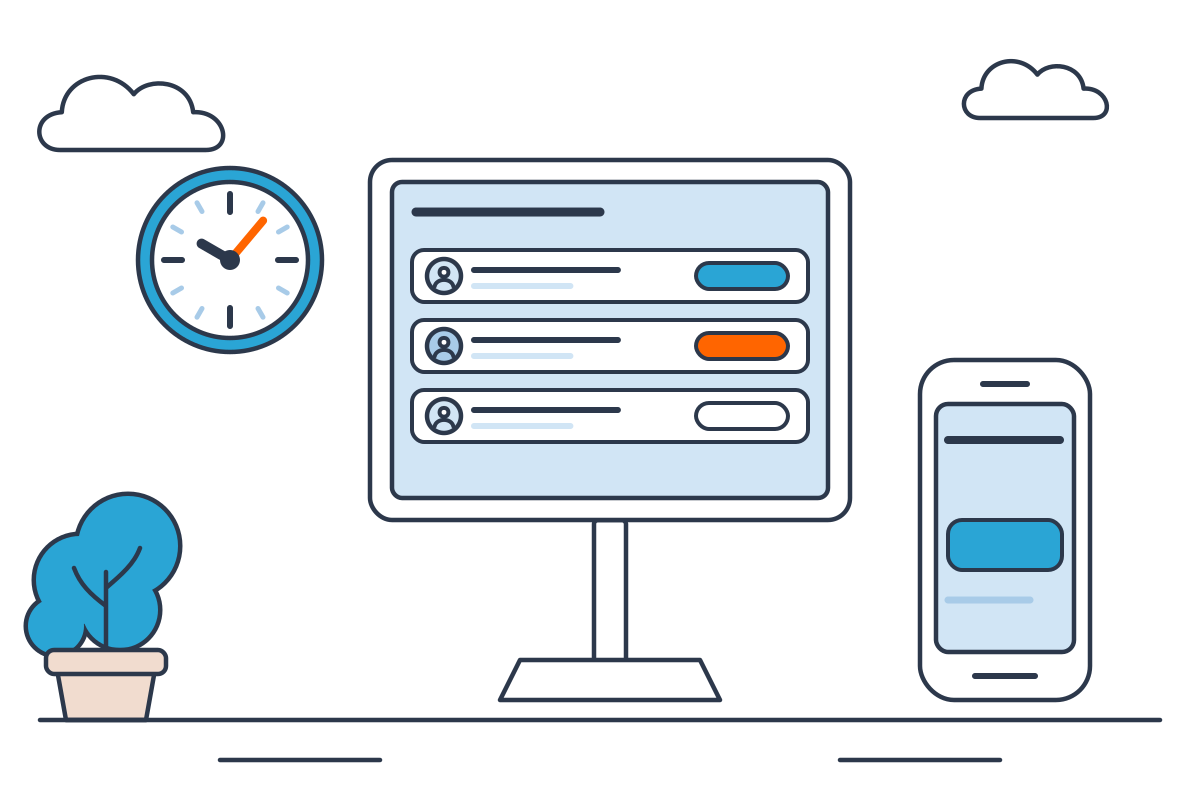
TimeClick is designed with small businesses in mind. The interface is made to be intuitive and easy to use. Minimal training required, most businesses are ready to clock in in under 10 minutes.
- Simple software design
- Unlimited employees on every license
- Highly rated customer support
Tap In. Pick a Department. Done
Employees quickly choose their department and job code, tap Clock In, and they're done. Easy as that.
- Select department and job code with each punch
- Add notes with the comment field
- Each employee has their own login
Payroll-Ready Reports in Seconds
Generate payroll reports fast. Simply choose your date range, set your display settings, and export in your payroll provider's required format. Overtime is flagged, and breaks are already deducted.
- Preformatted exports for QuickBooks, Gusto, ADP & Passport.
- Saved report presets to reuse every pay period
- Six report types, including overtime and PTO
- Daily totals
- Overtime flagged
- Auto lunch deduction
- Department and job totals
Clock In Remotely From Any Phone
The TimeClick mobile app works on both iPhone and Android devices. Once setup, employees simply open the app and tap Clock In. Every punch syncs instantly with your Windows server.
- Real-time sync to your Windows server
- Tablet kiosk mode for shared worksites
- Requires a 2-device license or higher and an active Support membership
All the Tools Your Team Needs Built Right In
Track hours by department and job codes with ease, grant team leads restricted admin access, and manage PTO balances, all in one system.
- Department-level payroll reports
- Restricted admin access for department heads
- Vacation, sick leave & custom PTO tracking
| Employee | Department | PTO left |
|---|---|---|
| Christensen, Darren | Accounting | 56.0 h |
| Grant, Evan | Tech Support | 32.0 h |
| Grey, David | Advertising | 40.0 h |
| Williams, Sarah | Accounting | 24.0 h |
Department heads see only their own team.
Affordable Time Tracking Software for Small Businesses
Most time tracking software is cloud-based, with monthly user fees. TimeClick uses a unique model that works better for our customers, and the difference is clear.
- 1
One-time purchase, yours forever
Pay once, and it's yours for life. It runs on your hardware and keeps working, even if you don't renew your support subscription after the first free year.
- 2
No employee limits
Pricing is based on devices, not users. Add seasonal workers or double your team size and your cost remains the same.
- 3
U.S.-based support in under 10 seconds
Real people answer your calls, not bots. Get help within 10 seconds during business hours, Monday through Friday.
What Customers Say About TimeClick
 4.7 from 427 reviews
"TimeClick is wonderful for time logging and employee attendance. All of the employees have no issues with it and have said how easy it is to use."
"Unlike the other software I used before, you buy once and use forever, and customer support is constant. Much simpler UI — no VPN, no complicated setup."
"TimeClick has saved me time and energy when calculating hours for payroll. Very user friendly — I'd recommend it to any small business."
One-Time Purchase With Unlimited Employees
No monthly fees and no per-user charges. You pay for the number of devices employees clock in on, and add staff any time at no cost.
See all 11 license optionsPhones and PCs both count as devices. Employees are always unlimited.
Time Clock Software FAQ
Can’t find your answer? Call (435) 753-4102 or use the chat button.
Call (435) 753-4102What features does TimeClick include?
Included with every license:
- Time tracking with automatic overtime calculation
- Payroll-ready reports
- PTO tracking, department management, job codes, and scheduling
- Payroll exports compatible with QuickBooks, Gusto, ADP, and Passport
The mobile app requires an active support plan (free your first year with any license purchase). Geofencing is the only paid add-on.
Does TimeClick charge per employee?
No. Pricing is based on how many devices are connected to your server, not employees. Every license includes unlimited employees, so adding more staff doesn’t increase your cost.
Is TimeClick a one-time purchase?
Yes. Licenses start at $299 as a one-time purchase, with no monthly fees. A support plan (which includes U.S.-based support, free version upgrades, and access to the mobile app) is free for your first year with any license purchase and optional to renew at $149/year. The software itself remains fully functional even without renewal.
Does TimeClick work on Windows?
Yes. TimeClick installs on any Windows 8+ PC, which acts as your time clock server. All data is stored on your hardware.
Can employees clock in from their phones?
Yes. With an active TimeClick support plan and a 2-device license or higher, employees can clock in using the TimeClick app on iOS or Android. Each phone counts as one device on your license.
How long does setup take?
Most businesses can set up TimeClick in under 10 minutes. Install it on a Windows PC, add your employees, and start clocking in right away. No IT expertise needed.
Here's Everything You Get With TimeClick
TimeClick is designed to be simple, straightforward, and easy to use. But if you need more features, we got em' all right here.
See How TimeClick Fits Your Business
Every business tracks time a little differently. Explore how TimeClick works for small businesses, field crews, retail teams, and more, with features and setup tailored to the way you actually work.
Try Every Feature Free for 14 Days
Full functionality. Setup in under 10 minutes.