If you've ever stared at a time card showing 7 hours and 45 minutes and wondered how to turn that into a number your payroll software will actually work with, you're not alone. Converting clock time into decimal hours trips up a lot of people, especially when you're doing it manually across dozens of employees.
That's exactly what this calculator is built for. Plug in the hours and minutes, and it spits out a clean decimal value that's ready to use in payroll calculations. No formulas, no guesswork, no conversion charts.
In this guide, we'll walk through how the calculator works, show you real examples of how to use it, and explain how to take the output and turn it into actual payroll numbers.
Table of Contents
- How the Decimal Hours Calculator Works
- How to Use the Decimal Hours Calculator (Step-by-Step)
- Example: Converting a Single Work Shift
- Example: Converting Multiple Shifts
- Using Decimal Hours for Payroll Calculations
- Common Situations Where a Decimal Hours Calculator Helps
- Avoiding Manual Conversion Errors
- When You Want to Understand the Math Behind the Calculator
- Put Decimal Hours to Work for Your Payroll
- Frequently Asked Questions
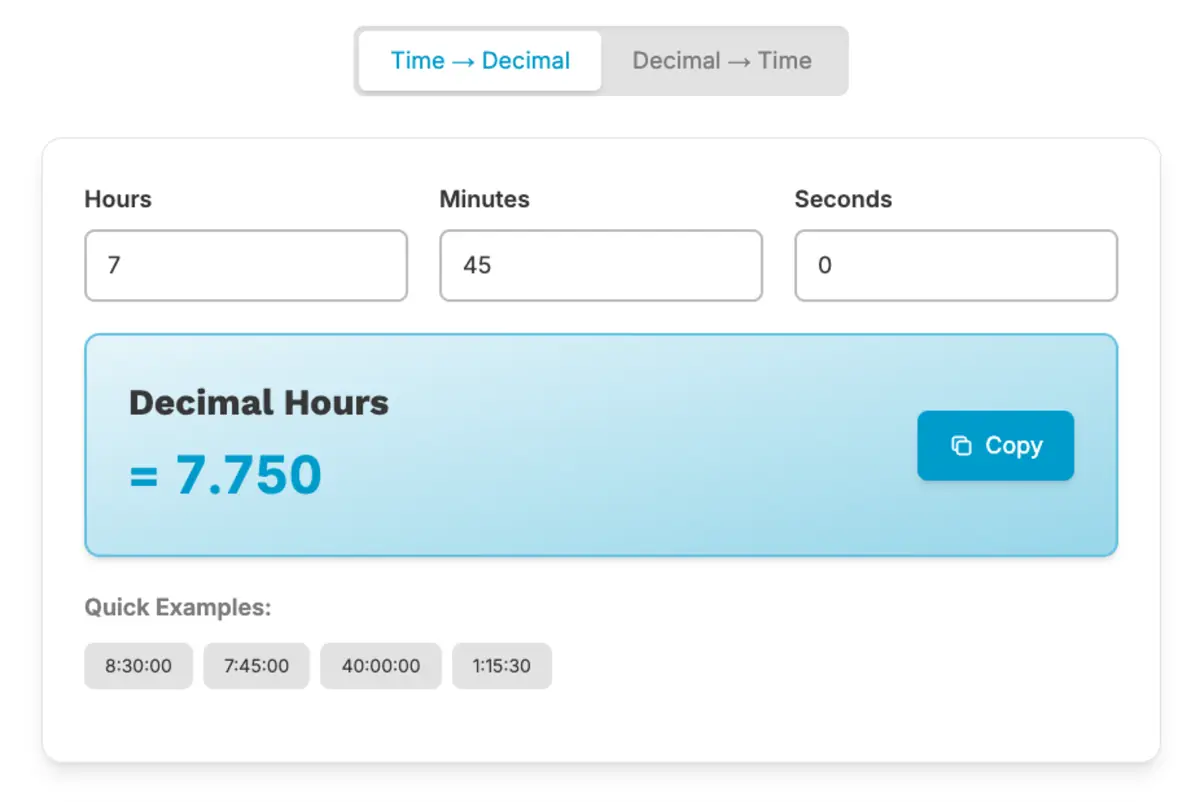
How the Decimal Hours Calculator Works
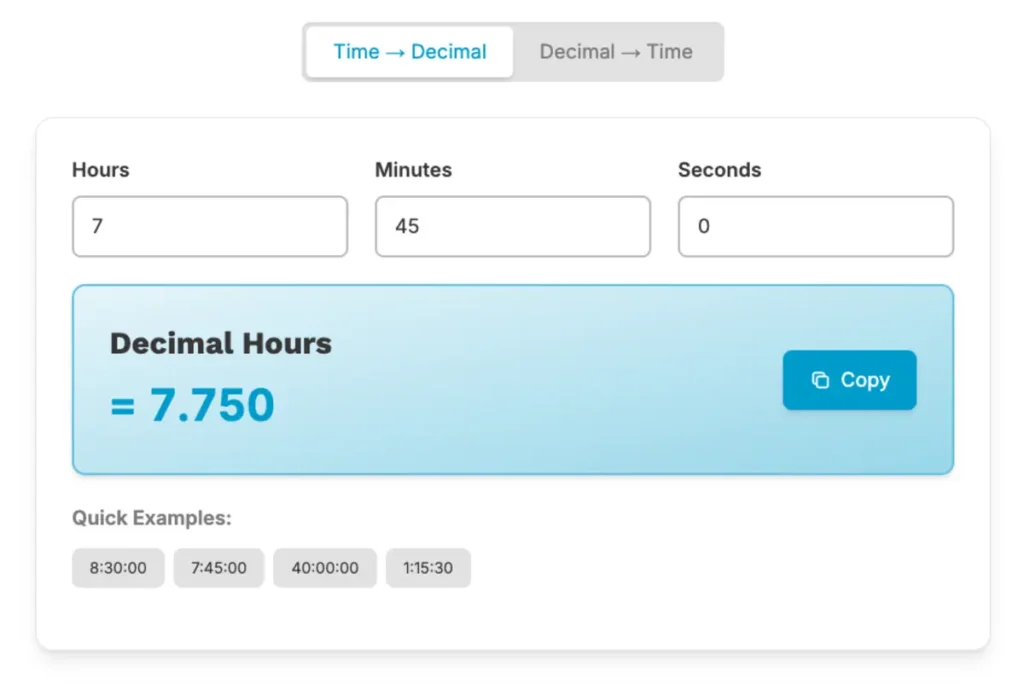
The math behind decimal conversion calculator is straightforward: it divides the minutes by 60. That gives you the decimal portion of the hour, which you then add to the whole number of hours.
For example, 8 hours and 30 minutes becomes 8.50. The 30 minutes divided by 60 equals 0.50, and 8 + 0.50 = 8.50.
The calculator handles that math for you. You enter the hours, enter the minutes, and it combines them into a single payroll-ready decimal value.
How to Use the Decimal Hours Calculator (Step-by-Step)
Using the calculator takes less than 30 seconds. Here's the process:
- Enter the total hours worked. This is the whole number portion of the shift — not including the leftover minutes.

- Enter the remaining minutes. This is anything left over after the full hours. If someone worked 7 hours and 45 minutes, enter 45.

- See the result. The tool automatically divides the minutes by 60 and adds the result to the hours.
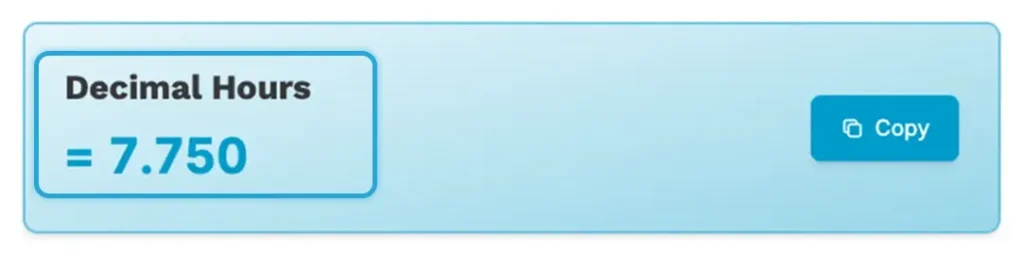
- Use the output for payroll. The decimal result is what you'll use when calculating gross pay.
Here's a quick example:
| Input | Value |
|---|---|
| Hours worked | 7 |
| Minutes worked | 45 |
| Decimal output | 7.75 hours |
That 7.75 is your payroll number. Clean, accurate, and ready to multiply against an hourly rate.
Example: Converting a Single Work Shift
Let's say an employee clocks in at 9:00 AM and clocks out at 5:30 PM. That's a shift of 8 hours and 30 minutes.
Enter into the calculator:
- Hours: 8
- Minutes: 30
Output: 8.50 hours
Now you have a decimal value that works directly in payroll. If the employee earns $20 per hour, the calculation is simple: 8.50 × $20 = $170.00 for that shift.
That's the whole point of decimal format — it makes payroll math clean and consistent.
Example: Converting Multiple Shifts
Sometimes you need to convert more than one shift and combine them into a daily or weekly total. The calculator handles that just as easily — you just run it for each shift, then add the results together.
Here's an example with two shifts in a single day:
| Shift | Clock Time | Decimal Hours |
|---|---|---|
| Morning | 4 hours 20 minutes | 4.33 hours |
| Afternoon | 3 hours 40 minutes | 3.67 hours |
| Daily total | 8.00 hours |
Notice how 4.33 + 3.67 adds up to exactly 8.00. That's the precision you get with decimal hours. Trying to add 4 hours 20 minutes and 3 hours 40 minutes in clock format is a lot messier — and a lot more likely to produce a mistake.
Using Decimal Hours for Payroll Calculations
Once you have your decimal total, calculating gross pay is a simple multiplication problem.
Here's an example for a full workweek:
| Detail | Value |
|---|---|
| Total hours worked (decimal) | 38.75 |
| Hourly rate | $22.00 |
| Gross pay | $852.50 |
38.75 × $22.00 = $852.50. That's it. No converting back to minutes, no mixed-format math, no room for the kind of rounding errors that show up when you're working in hours and minutes side by side.
TIMECLICK TIP
When preparing payroll, always double-check that your weekly decimal total reflects all shifts before multiplying by the hourly rate. One missed shift entry is much easier to catch in decimal format than buried inside a stack of clock-time entries.
Common Situations Where a Decimal Hours Calculator Helps
You don't need to be processing payroll for 100 employees to get value out of this tool. Here are some of the most common situations where it comes in handy:
- Preparing weekly time card totals for hourly employees
- Verifying time sheet math before submitting to payroll
- Calculating pay for part-time or variable-hour workers whose shifts change week to week
- Checking minute-to-decimal conversions when you're unsure of the math
- Converting individual shift records into totals for contractors or freelancers paid by the hour
Basically, any time you're looking at a time card with minutes on it and need a number to plug into a payroll formula, this calculator saves you a step.
Avoiding Manual Conversion Errors
Manual conversion errors are more common than most people expect. The most frequent mistake is treating minutes as a decimal directly — for example, writing 7 hours and 45 minutes as 7.45 instead of 7.75. Those two numbers look similar, but they're off by 18 cents per hour, and that adds up over a full team and a full year.
Using a calculator removes that risk entirely. But it helps to understand where errors come from so you can catch them if they do appear.

Some payroll errors come from a handful of very specific conversion habits. This guide walks through the most frequent ones and shows you exactly how to fix them. Common Decimal Time Conversion Mistakes to Avoid
When You Want to Understand the Math Behind the Calculator
The calculator is a great shortcut, but knowing the math behind it gives you confidence in the results — and makes it easier to catch an error if one ever slips through.
If you want a full walkthrough of the manual conversion process, this guide covers the formula step by step with examples you can follow along with. How to Convert Time Cards Into Decimal Hours
Put Decimal Hours to Work for Your Payroll
The decimal hours calculator does one thing, and it does it well: it takes clock-time entries and turns them into numbers that payroll math can actually use.
The process is simple. Enter the hours. Enter the minutes. Take the decimal output and multiply it by the hourly rate. That's your gross pay figure — accurate, consistent, and ready to go.
If you're still converting time manually across your whole team, it might be worth looking at how TimeClick handles this automatically. Every clock-in and clock-out generates decimal totals without any extra steps, so your time cards are always payroll-ready.
Frequently Asked Questions
Got questions about decimal hours and how the calculator works? Here are answers to some of the most common ones.
Why does payroll use decimal hours instead of hours and minutes?
Payroll calculations require simple multiplication — total hours times the hourly rate. Hours-and-minutes format doesn't multiply cleanly, so converting to decimals first makes the math straightforward and consistent. For example, 8.50 hours × $20/hr is a simple calculation. Working with 8 hours and 30 minutes directly is not.
How do I convert minutes to decimal hours manually?
Divide the minutes by 60. That gives you the decimal portion. Then add it to the whole number of hours. For example, 45 minutes ÷ 60 = 0.75. So 7 hours and 45 minutes becomes 7.75 hours.
What's the most common mistake when converting time to decimals?
The most frequent error is using the minute value directly as a decimal. For example, writing 7 hours and 45 minutes as 7.45 instead of the correct 7.75. The two look similar but produce different payroll totals. Always divide the minutes by 60 first.
Can I use this calculator for weekly payroll totals?
Yes. You can run it for each individual shift, then add the decimal results together for a weekly total. Once you have the weekly decimal total, multiply it by the employee's hourly rate to get gross pay.
Does the FLSA have rules about how time is recorded?
Yes. According to the U.S. Department of Labor, employers may round employee time to the nearest quarter hour, but they cannot consistently round down. Employee time from 1 to 7 minutes may be rounded down, but time from 8 to 14 minutes must be rounded up to a full quarter hour. The rounding must average out so that employees are fully compensated for all time worked.
Not using TimeClick yet? Try our time clock software free. 10-minute setup, unlimited users, and built for small businesses. No credit card required.
Start your FREE TimeClick Trial Today.