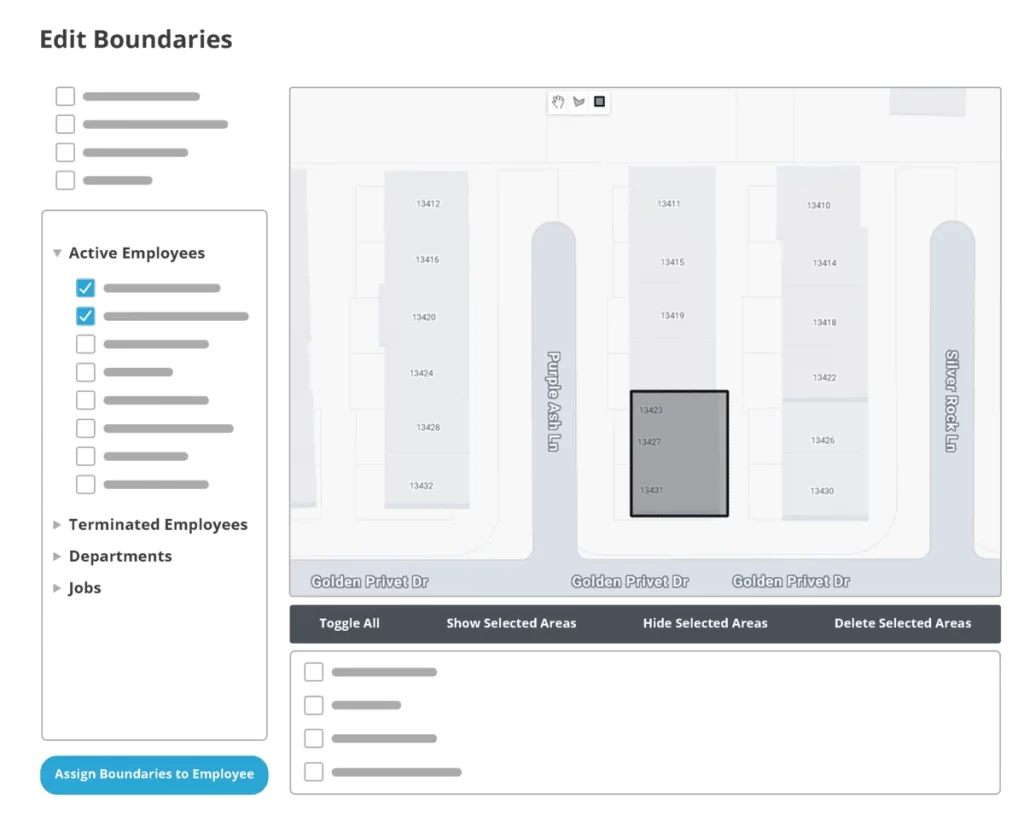
Confident Time Tracking, Anywhere
Know exactly when and where your team clocks in – whether they’re remote, hybrid, or on the move – for accurate, secure payroll.

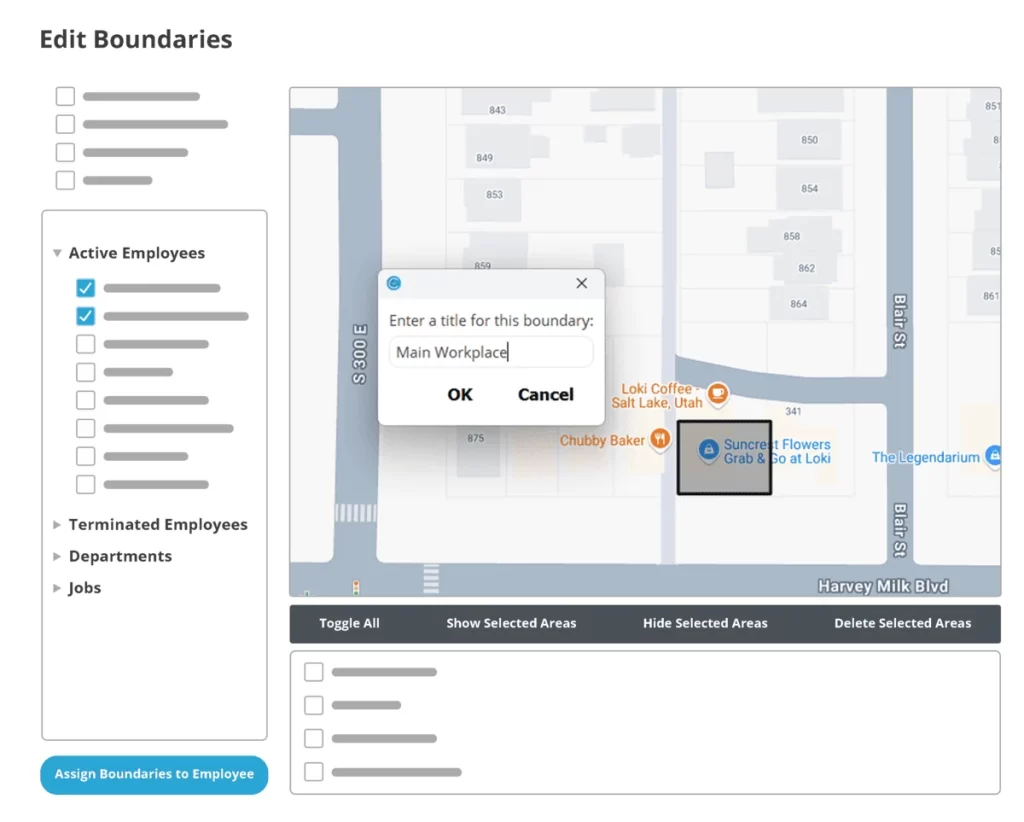
Set Up Smart Geofences
Automatically restrict clock-ins to approved locations, so you always know where and when your team is working – no matter where they are.
Read the Full Geofencing GuideReal-Time Location Verification
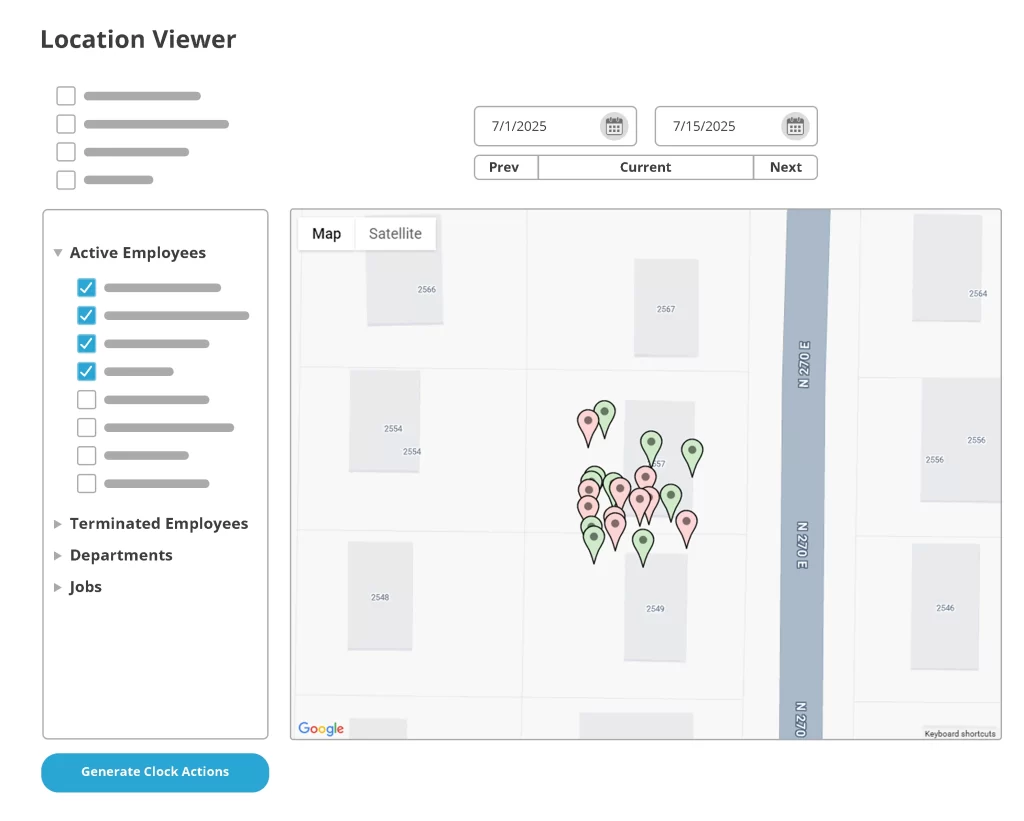
Every clock in/out is tagged with GPS and a timestamp so you can track history, filter reports by location, and stop time fraud before it starts.
Track Time Where It Happens.
No Credit Card Required. Fully Functional For 14 Days.
Start Your Free Trial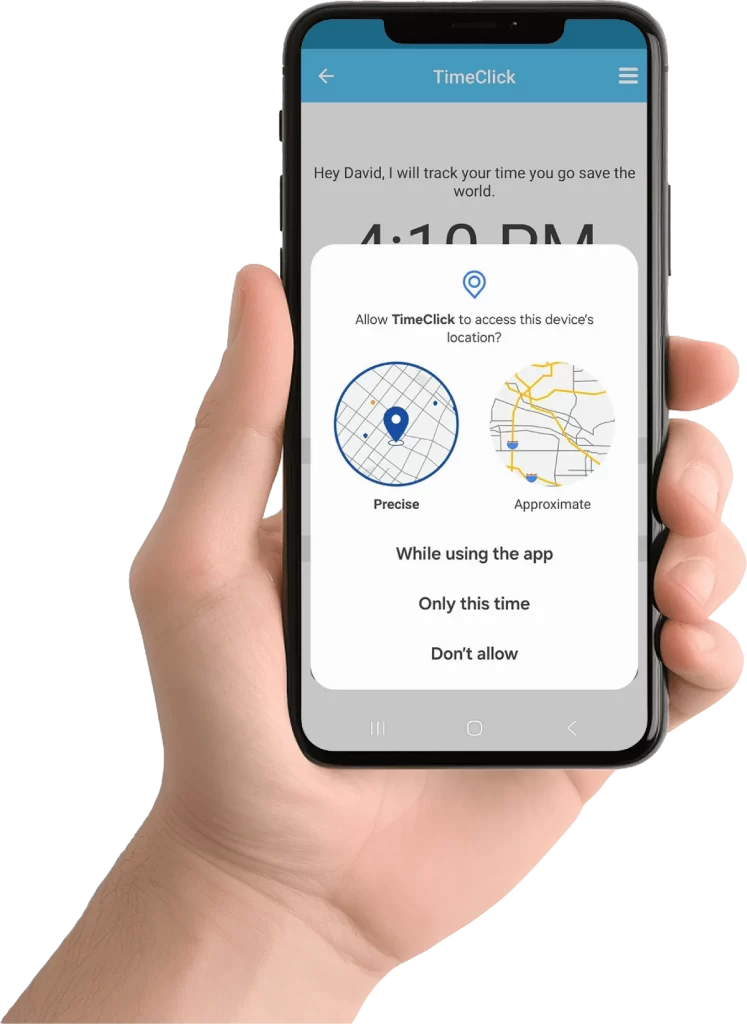
Seamless Mobile Experience
Our mobile app guides employees with GPS prompts and visual geofence feedback so they know exactly when they’re clear to clock in.
Easy To Set Up, Even Easier To Use
Geofencing is managed entirely in the TimeClick admin dashboard. Just drop a pin, set a radius, and assign it to the right employees – no extra hardware or apps required.