

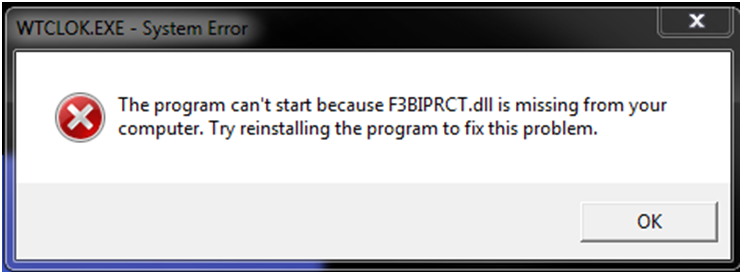
The “F3BIPRCT” error occurs after some installations and is caused by Windows permissions. Even though it says to reinstall TimeClick, it really needs you to start or restart the computer to resolve this. Restarting the computer allows the TimeClick installation to complete.
Note: This is error only happens on LE through LE 16 of TimeClick. These versions are no longer supported and you must upgrade to the latest version to receive technical assistance.