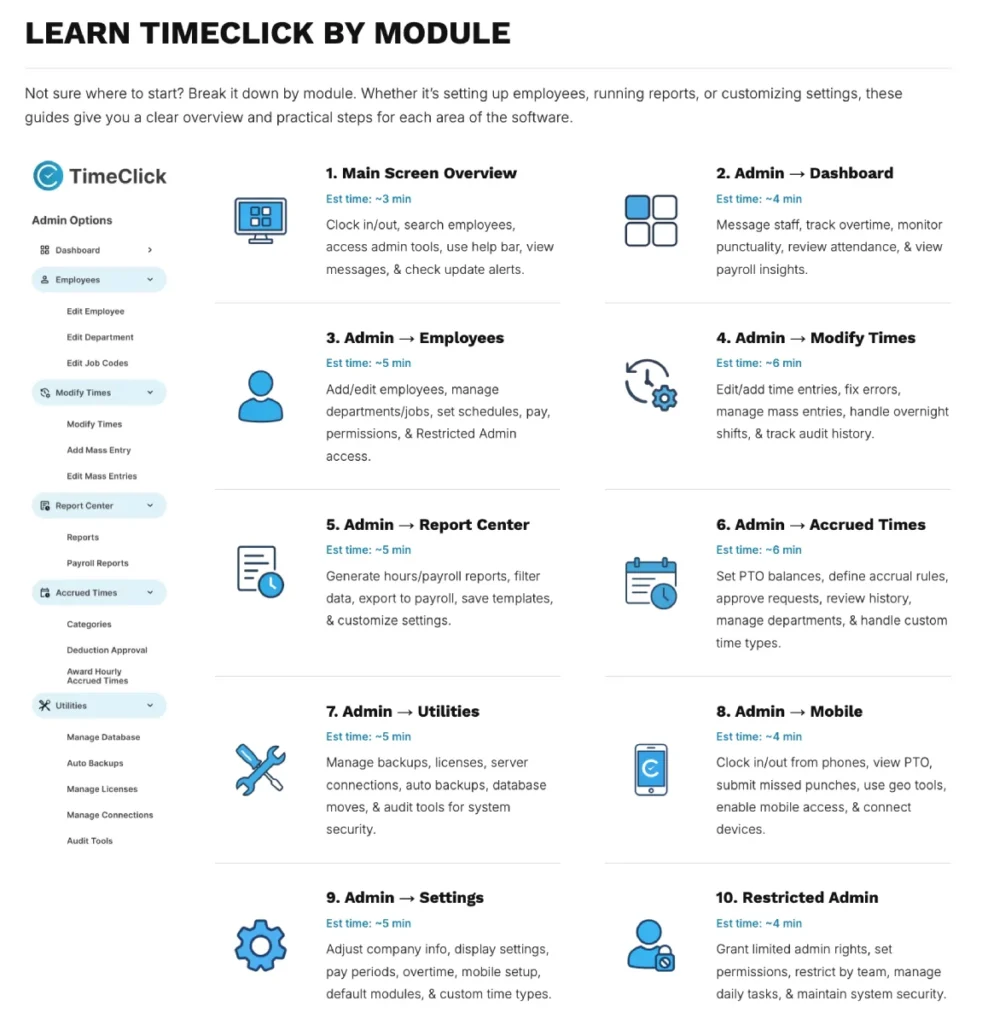
We’re excited to introduce a brand-new section in the TimeClick Support Center - Learn TimeClick by Module - a quick, visual way to master every part of your software.
This new section was built to make learning TimeClick easier than ever, whether you’re just getting started or brushing up on specific tools.
What Is ‘Learn TimeClick by Module’?
Instead of digging through long manuals or guessing where to look, you can now explore TimeClick one module at a time - directly on our website.
Each guide walks you through a specific area of the program - like Employees, Modify Times, or Report Center - with screenshots, clear steps, and real examples.
You’ll learn exactly what each feature does, how to use it, and how it fits into your daily workflow. It’s designed for self-paced learning, so you can start anywhere and come back anytime.
How to Access It
You can find Learn TimeClick by Module right inside the TimeClick Support Center on our website.
Go to Support CenterJust visit the Support Center and scroll down to the “Learn TimeClick by Module” section to explore all the guides in one place.

How to Use the Guides
We recommend starting from the top and working your way down - from Main Screen Overview through Employee Options - for a complete walkthrough of how TimeClick works.
Each module guide includes helpful details to make learning faster and easier:
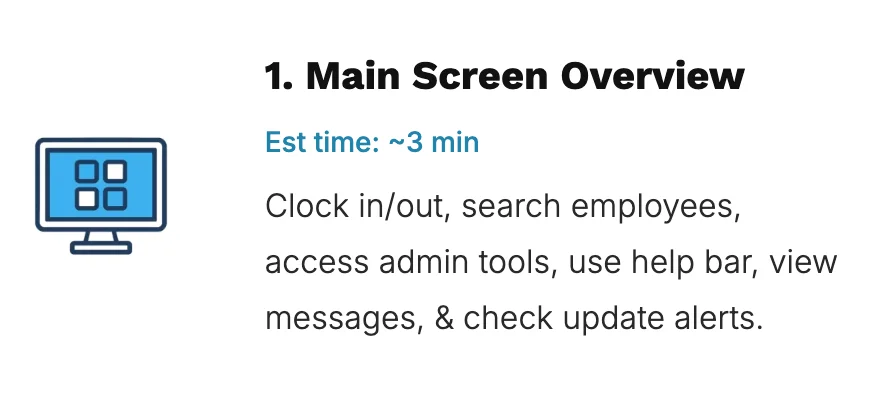
- Estimated reading time so you know how long it’ll take
- A summary of what you’ll learn in that section
- Screenshots and step-by-step tips for faster setup
If you’re an admin, you can also share individual module links with managers or employees to help them learn their specific areas.
Why It Matters
This new section makes it easier to train your team, onboard new hires, and stay up to date with the latest version of TimeClick 25.
It helps everyone learn faster, stay consistent, and get more value out of your software - while still having support available whenever you need it.
Start Learning Today
Visit the TimeClick Support Center and explore the new Learn TimeClick by Module section to start mastering TimeClick one step at a time.
Not using TimeClick yet? Try our time clock software free for 14 days. No credit card required.
Start your FREE TimeClick Trial Today.