
Mobile time clock apps seem like an easy way to track employee hours, but have you thought about the security risks that come with them? When employees use their personal phones for clocking in, it can create openings for security issues, putting your business information and their private data in danger. Whether you run a dental office, a law firm, or a mechanic shop, keeping your payroll information safe is essential. This article will look at the risks of using phone-based time clocks, compare them to more traditional options, and give you simple tips to help protect your important data.

1. The Bring Your Own Device (BYOD) Dilemma

"Bring Your Own Device" (BYOD) allows employees to use their personal smartphones for work tasks, but it comes with significant security risks. When employees use personal devices to clock in, business data can mix with their personal apps, creating major vulnerabilities.
Personal phones are rarely as secure as company-owned devices. Employees might download unsafe apps, connect to compromised Bluetooth devices, or click on malicious links. If malware infects their phone, it could expose your time tracking data. These security risks are common and difficult for small business owners to manage, especially since personal device usage after hours is beyond your control.
TIMECLICK TIP
If mobile apps are necessary, require employees to keep their phones updated to fix known security vulnerabilities.
2. Location Spoofing and Time Theft

Most mobile time tracking apps rely on phone GPS to verify an employee's location when they clock in, ensuring they’re on-site and not somewhere else, like a coffee shop.
However, GPS data can be easily faked. A quick app store search reveals many "GPS spoofing" tools that let employees trick their phones into reporting false locations. An employee could clock in from home while the system registers them as being at work. This makes time theft and payroll inaccuracies common risks with mobile time tracking.
| Mobile Time Clock Apps | Desktop Time Tracking | |
|---|---|---|
| Security | Relies on easily manipulated phone GPS | Locked to a secure physical device or network |
| Accountability | Prone to buddy punching if logins are shared | Can be monitored visually by management on-site |
| Device Control | Operates on varying personal devices | Operates on trusted company hardware |
3. Unsecured Networks and Data Interception

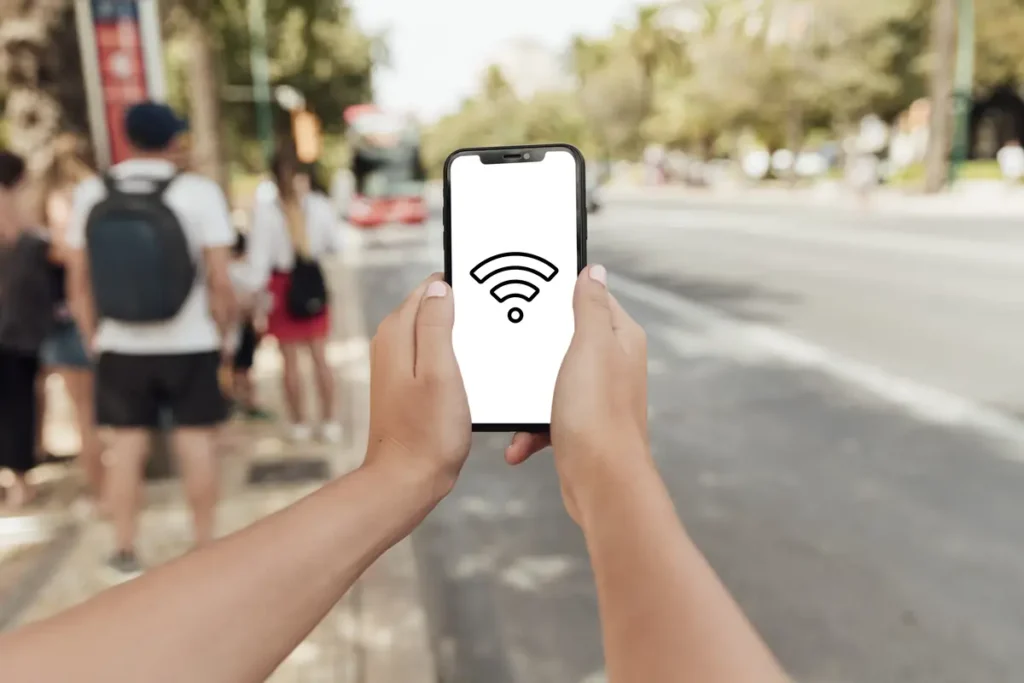
Mobile apps rely on an internet connection to send punch data to the cloud. If an employee clocks in using an unsecured public Wi-Fi network, that information can be intercepted by malicious actors.
Think of it this way: transmitting sensitive payroll data over public Wi-Fi is like shouting your passwords in a crowded room. Anyone paying attention can steal it. Employees who travel between job sites or stop at a café before work may unknowingly connect to these open networks. The Cybersecurity and Infrastructure Security Agency (CISA) warns that data sent over public Wi-Fi is highly vulnerable to interception.
4. Third-Party Cloud Server Vulnerabilities
With mobile apps, payroll and employee data are stored on third-party cloud servers managed by the app provider. Do you know where your data is stored or who has access to it?
Data breaches at third-party vendors are an increasing concern. Even if your internal security is airtight, vulnerabilities in your software provider’s systems can put your business at risk. Recorded Future frequently reports that third-party vendors are prime targets for cyberattacks, as hackers aim to access data from numerous businesses at once. For small businesses with strict compliance requirements, storing data locally on a secure server provides better control and reduces risk.
5. Why Desktop Solutions Solve These Headaches

Mobile apps may seem convenient, but they often introduce unnecessary risks. On-premise desktop solutions completely avoid these vulnerabilities. With software installed directly on your company's computers, you eliminate concerns like personal phone malware, GPS spoofing, or compromised cloud data.
A desktop system ensures employees are physically present in your building when they clock in. It also saves money. No ongoing subscription fees for cloud storage, just a one-time purchase. Reliable and secure, it works seamlessly without the constant worry of digital threats.

To see exactly how a localized system can protect your business, learn when desktop time tracking is the better choice
Frequently Asked Questions
Here are some common questions business owners ask about mobile time tracking security issues.
Are free time clock apps secure?
Free apps often lack proper encryption and may even sell your data to third parties. It’s safer to invest in a reliable time tracking system designed to protect your information.
Can employees trick mobile time clock apps?
Yes. Employees can use GPS spoofing or share login credentials to manipulate the system, resulting in inaccurate payroll and potential time theft.
What is the safest way to track employee time?
For most small businesses, an on-premise desktop system is the most secure method. It keeps your data locally controlled and ensures employees are physically present when they clock in.
Secure Your Payroll with Confidence
Mobile time tracking apps may seem convenient, but they come with hidden risks like GPS spoofing, unsecured networks, and third-party data breaches. These threats can disrupt your operations and add unnecessary stress.
An on-premise desktop system offers a secure, cost-effective alternative. It keeps your data local, ensures accuracy, and eliminates ongoing fees or cybersecurity worries. Focus on running your business without compromising your payroll security.
Not using TimeClick yet? Try our time clock software free. 10-minute setup, unlimited users, and built for small businesses. No credit card required.
Start your FREE TimeClick Trial Today.