
The workplace has changed dramatically in recent years, with 22.9% of U.S. workers now in remote or hybrid setups. For small businesses, from dental clinics to mechanic shops to accounting firms, tracking employee hours has become more complex. Accurate timekeeping is not just essential for payroll but also a legal requirement under the Fair Labor Standards Act.
Choosing the right tool for time tracking can feel overwhelming. Mobile apps offer flexibility, while desktop software provides control. In this guide, we’ll break down the pros and cons of each, explore their strengths, and show how a hybrid approach could be the ideal solution for your growing team.
Table of Contents
- The Core Dilemma: Flexibility vs. Control
- Mobile Time Clock Apps: Power in Your Pocket
- Desktop Time Clock Software: The Reliable Anchor
- Comparing the Two Systems
- The Sweet Spot: Designing a Hybrid Time Tracking System
- Real-World Examples
- Scenario 1: The Local Dental Clinic
- Scenario 2: The Engineering Firm
- Scenario 3: The Plumbing Business
- Frequently Asked Questions
- Finding Your Perfect Setup

The Core Dilemma: Flexibility vs. Control

Before we look at the software itself, we need to talk about the natural tension between flexibility and control. Giving employees the freedom to punch in from anywhere sounds great on paper, but it can make maintaining tight control over how time is recorded a bit tricky.
Modern teams highly value the ability to clock in from a job site or their living room. Flexibility builds a culture of trust and accommodates modern work styles. When you give your employees the tools to manage their own time easily, they often feel more respected and engaged.
On the flip side, physical businesses like a local library, a manufacturing floor, or a retail shop need the reliability of a central clock-in station. A physical location creates a clear boundary between being off the clock and on the clock. It stops the temptation of clocking in from the parking lot and ensures that when an employee starts their shift, they are actually ready to work.
The best approach depends entirely on your specific work environment and the daily habits of your team. There is no single right answer, only the answer that makes the most sense for your unique operations.
Mobile Time Clock Apps: Power in Your Pocket

Mobile time clock apps are cloud-based tools that effectively turn an employee's smartphone into a digital punch card. Workers simply open an app on their iPhone or Android device, tap a button, and start logging their hours.
The biggest advantage of time clock apps is their incredible flexibility. They are an absolute lifesaver for field workers or remote employees who never set foot in a traditional office. Since the software lives on devices your team already owns, there is no need to purchase dedicated hardware or mount a punch clock to the wall. Managers also benefit from real-time updates, allowing them to see exactly who is clocked in no matter where the employee is located.
However, mobile tracking does come with a few notable drawbacks. It can be much harder to monitor exactly where an employee is when they clock in. While some apps use GPS geofencing, tracking employee locations can quickly blur the line into heavy surveillance, which might hurt team morale. For a deeper look into these specific concerns, you can read our guide on the Security Risks of Phone-Based Time Clock Apps. Additionally, mobile tracking relies entirely on the employee having a charged, working smartphone with a reliable internet connection. If their battery dies on a job site, tracking their time becomes a guessing game.
These mobile solutions are perfect for traveling sales reps, local delivery drivers, or plumbers moving between different job sites throughout the day. The rise of distributed teams is clear, and the data backs it up. You can see how fast the landscape is shifting by checking out the Bureau of Labor Statistics data on telework trends, which highlights that over 35 million people now work from home or on the road for pay.
Desktop Time Clock Software: The Reliable Anchor
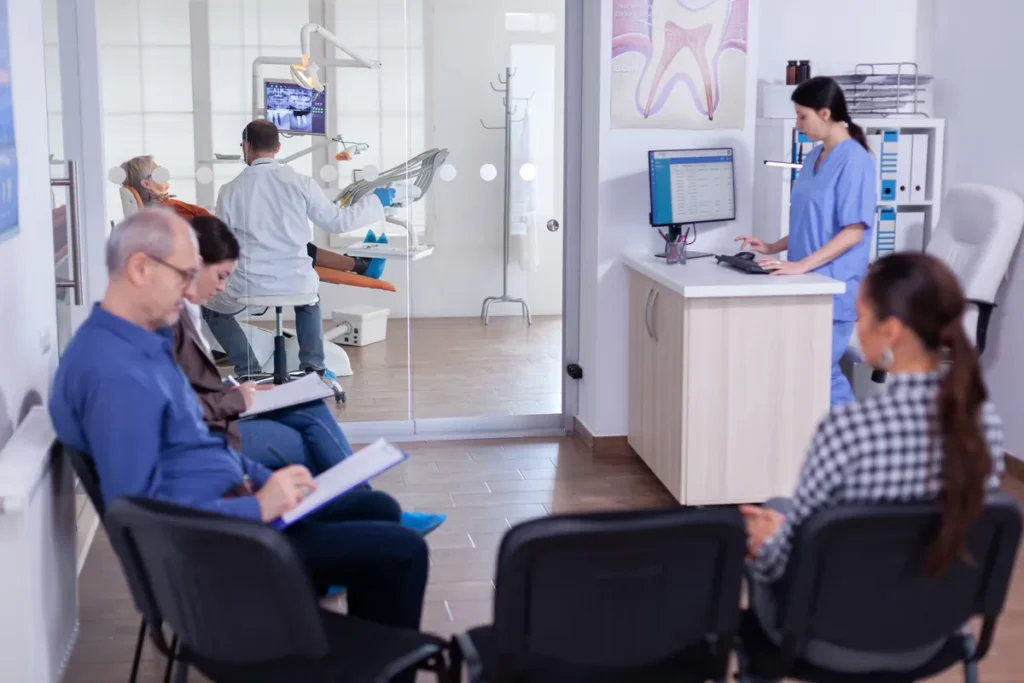
Desktop time clock software operates as a fixed, stable station. It is usually installed on a company computer or a local server and acts as a central hub for all time tracking activities.
The primary benefit of desktop software is absolute control. Employees must be physically present at the computer to clock in. You never have to wonder if someone is actually in the building when their shift starts. It is also highly reliable. If you use a server-based setup, the software does not rely on a spotty internet connection to function. It just keeps working. Furthermore, having a dedicated work terminal keeps business devices completely separate from personal devices, which is a major plus for privacy and data security.
Of course, this centralized approach has zero flexibility for staff who need to work off-site. If you have an employee attending a remote conference or visiting a client, they cannot clock in until they return. You might also run into a small bottleneck if everyone tries to clock in at the exact same terminal at 8:00 AM sharp.
Desktop tracking is ideal for medical offices, law firms, manufacturing floors, and retail spaces where work only happens on-site. If you are curious about the specific scenarios where a localized setup outshines a mobile app, check out our breakdown on When Desktop Time Tracking Is the Better Choice.
TIMECLICK TIP
If you have a physical location with a steady morning rush, setting up one dedicated desktop computer as your main kiosk helps prevent confusion and keeps everyone moving quickly.
Comparing the Two Systems
Understanding the differences between these tools is the first step toward improving your payroll process. Here is a quick summary of how these two options stack up side by side.
| Feature | Mobile Apps | Desktop Software |
|---|---|---|
| Primary Benefit | Total flexibility | Maximum control |
| Ideal Environment | Field work, remote teams | Physical offices, clinics, shops |
| Hardware Needed | Employee smartphones | Company computer or server |
| Setup Style | Cloud-based, distributed | Centralized, highly stable |
The Sweet Spot: Designing a Hybrid Time Tracking System

Many business owners feel pressured to pick one side of the fence. They assume they have to force their entire team onto a mobile app or restrict everyone to a desktop terminal. But the truth is, you do not have to choose just one. A balanced system design often utilizes both.
A hybrid architecture allows your in-house staff to use the stable desktop software while your field team uses the mobile app. You get the centralized control where you need it most and the flexibility where you want it. This approach respects the different roles within your company and provides the right tool for the right job.
When you adapt your management style to fit the actual needs of your employees, your business runs much smoother. Taking a customized approach to human resources and operations always yields better results. You can learn more about how adaptable management strategies lead to better business outcomes by reading this Forbes guide on hybrid work models.
Real-World Examples
To help you visualize how these systems actually function day to day, let us look at a few examples of small businesses using different time tracking structures successfully.
Scenario 1: The Local Dental Clinic
Setup: 100% Desktop Software.
Why it works: Hygienists, receptionists, and dental assistants only work in the physical office. There is no remote work involved in cleaning teeth. A single desktop kiosk set up in the employee breakroom offers perfect control and reliability. The staff knows exactly where to go when they arrive, and the office manager never has to worry about someone clocking in from the street.
Scenario 2: The Engineering Firm
Setup: Hybrid System.
Why it works: An engineering firm has a very mixed workforce. The drafters and office managers punch in on their desktop computers at headquarters. The surveyors and field engineers, who might spend three days a week at an active construction site, use the mobile app while on location. The payroll manager gets all the data fed into one central system, keeping everything perfectly organized without micromanaging the field team. Architecture firms with staff on site visits can use the same setup, as our guide to time tracking software for architects explains.
Scenario 3: The Plumbing Business
Setup: Mobile-Heavy with Desktop Admin.
Why it works: The vast majority of the staff are plumbers driving company vans on various routes. All the plumbers use mobile apps to clock in when they arrive at a customer's house. Meanwhile, the dispatcher and payroll manager review all the incoming time data on a highly reliable desktop interface back at home base. It provides maximum flexibility for the workers and a secure management hub for the back office.
Frequently Asked Questions
Still trying to figure out which setup makes the most sense for your team? Here are a few common questions we hear from small business owners.
Can I mix desktop software and mobile apps for the same team?
Absolutely. This is what we call a hybrid system. You can have your front desk staff use a desktop computer to clock in, while your traveling employees use a mobile app. It is a great way to balance flexibility and control without creating extra work for your payroll manager.
Is desktop software better for physical offices?
In many cases, yes. If your staff only works on-site, a desktop setup prevents the temptation of clocking in from the parking lot. It provides a highly reliable, centralized station for everyone and creates a distinct separation between personal time and company time.
Are server-based desktop systems hard to set up?
Not at all. While the word "server" sounds technical, setting up a reliable desktop time clock is usually very straightforward. Most small businesses install it on an existing front desk computer or a back-office PC. Plus, good software companies have friendly support teams ready to guide you through the process step by step.
Finding Your Perfect Setup
Choosing between time clock apps and desktop software is not about finding the "best" tool in the world. It is simply about finding the right tool for your specific environment. Every business has different operational needs, and your time tracking system should naturally support those needs.
Take a good look at your daily operations. If everyone is working under one roof, lean into the tight control and reliability of desktop software. If your team is scattered across the city, embrace the incredible flexibility of mobile apps. And if you have a mix of both in-office staff and remote workers, building a hybrid system is absolutely your winning ticket.
Not using TimeClick yet? Try our time clock software free. 10-minute setup, unlimited users, and built for small businesses. No credit card required.
Start your FREE TimeClick Trial Today.