
OnTheClock Alternative for Small Businesses That Want to Own Their Time Clock
OnTheClock is an online time clock you pay for each month, per employee. TimeClick is time clock software you install on your own Windows computer and buy once, with unlimited employees on every license. This page compares the two on cost, features and payroll, using each company’s own website. Prices were checked on Nov 8, 2026.
OnTheClock does more than TimeClick in some areas: it has scheduling, a payroll service and web access from any browser. TimeClick is the better fit if you want one price paid once, records on your own computer and no bill that grows with your team.
OnTheClock and TimeClick at a glance
| OnTheClock | TimeClick | |
|---|---|---|
| Pricing model | Monthly subscription | One-time license, priced by device |
| Time tracking price | $4 per employee a month plus $5 a month | $299 once for 1 device, $499 for 2, $749 for 5 |
| Employees | Paid per employee | Unlimited on every license |
| Payroll service | Add-on: $6 per employee a month plus $40 a month, $250 onboarding | None; exports hours to your payroll system |
| Where records are kept | OnTheClock’s online service | Your own Windows PC or server |
| Clock in from | Phone app, web browser, kiosk | Windows PC, iPhone and Android app |
| Scheduling | Included | Not included |
| Free trial | 30 days, no credit card | 14 days, no credit card, free setup help |
Checked Nov 8, 2026 on OnTheClock pricing and TimeClick pricing.
What OnTheClock costs
OnTheClock’s time tracking plan, which includes scheduling and PTO, is $4 per employee per month plus a $5 monthly base fee. Its payroll add-on is $6 per paid employee a month plus a $40 monthly base, with a one-time $250 onboarding fee. Businesses with 100 or more employees get a quote. The trial is 30 days with no credit card.
What TimeClick costs
TimeClick is a one-time purchase priced by the number of devices employees clock in on. The office computer that holds TimeClick counts as one, and each phone running the app counts as one. Employees are unlimited.
| Devices | One-time price | Optional TimeClick Unlimited renewal after year one |
|---|---|---|
| 1 (desktop only) | $299 | $149 a year |
| 2 | $499 | $199 a year |
| 5 | $749 | $249 a year |
| 10 | $999 | $299 a year |
| 15 | $1,249 | $349 a year |
The first year of TimeClick Unlimited is included: new versions, U.S.-based support and the phone app. The phone app needs a 2-device license or larger and an active TimeClick Unlimited.
Three-year cost for a 10-person and a 25-person team
List prices on Nov 8, 2026, time tracking only:
| Setup | 3-year cost |
|---|---|
| OnTheClock, 10 employees: ($5 + 10 x $4) x 36 months | $1,620 |
| OnTheClock, 25 employees: ($5 + 25 x $4) x 36 months | $3,780 |
| TimeClick, everyone clocks in on one office PC: $299 + 2 renewals at $149 | $597 |
| TimeClick, one office PC plus 4 phones: $749 + 2 renewals at $249 | $1,247 |
| TimeClick, one office PC plus 10 phones (15-device license): $1,249 + 2 renewals at $349 | $1,947 |
The renewals are optional; without them, the TimeClick figures drop to $299, $749 and $1,249.
The last row matters: if every employee clocks in on their own phone, OnTheClock can cost less for a small team. TimeClick saves the most when people share a clock on a PC or a few devices and your headcount grows.
Features OnTheClock has that TimeClick doesn’t
- Employee scheduling
- A payroll service that runs payroll for you
- Clock-ins from a web browser on any computer, including a Mac
- IP and Wi-Fi restrictions on where people can clock in
- A biometric fingerprint clock in its larger plans
If you need any of these, OnTheClock is the better choice.
Where TimeClick is the better fit
- You pay once and own the license. “Pay once and the software is yours,” as the pricing page puts it.
- Unlimited employees, so the price doesn’t change when you hire.
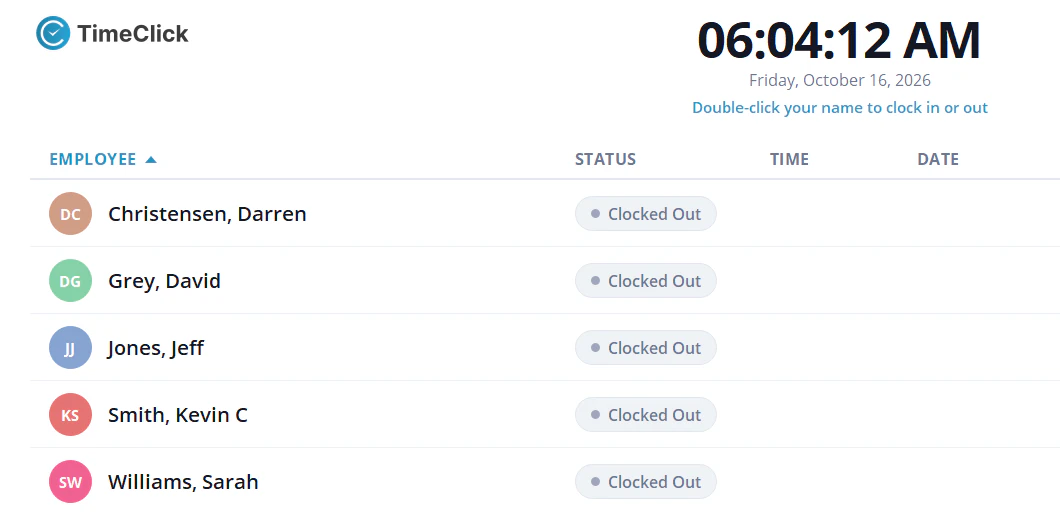
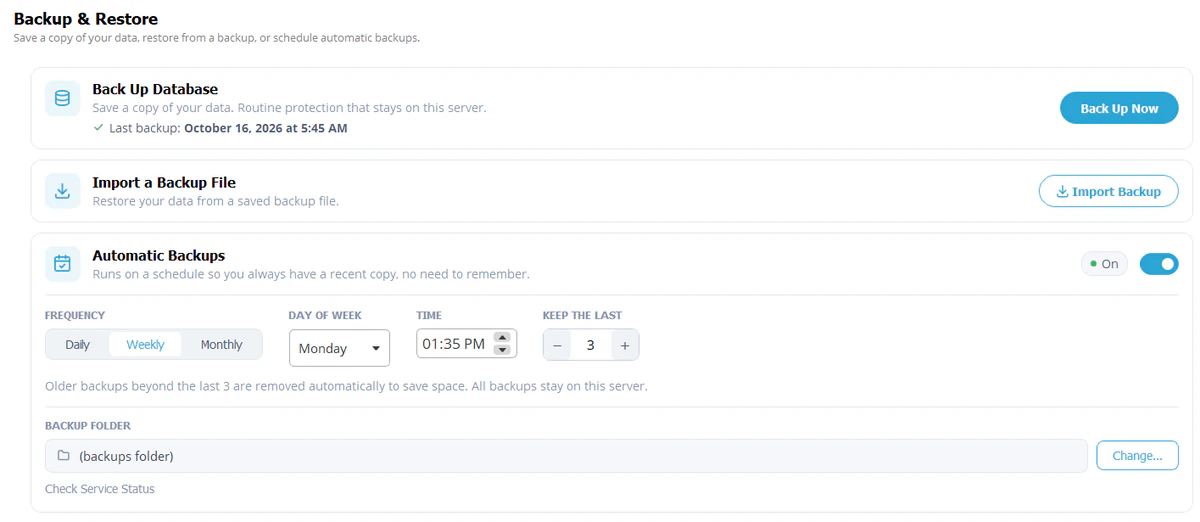
- Time records stay on your own Windows PC or server.
- Clock-ins on your PCs keep working when the internet goes down. The phone app saves punches on the phone and sends them to your server when it reconnects.
- Help is fast: chats are answered within 10 seconds and calls within 30.
Payroll exports compared
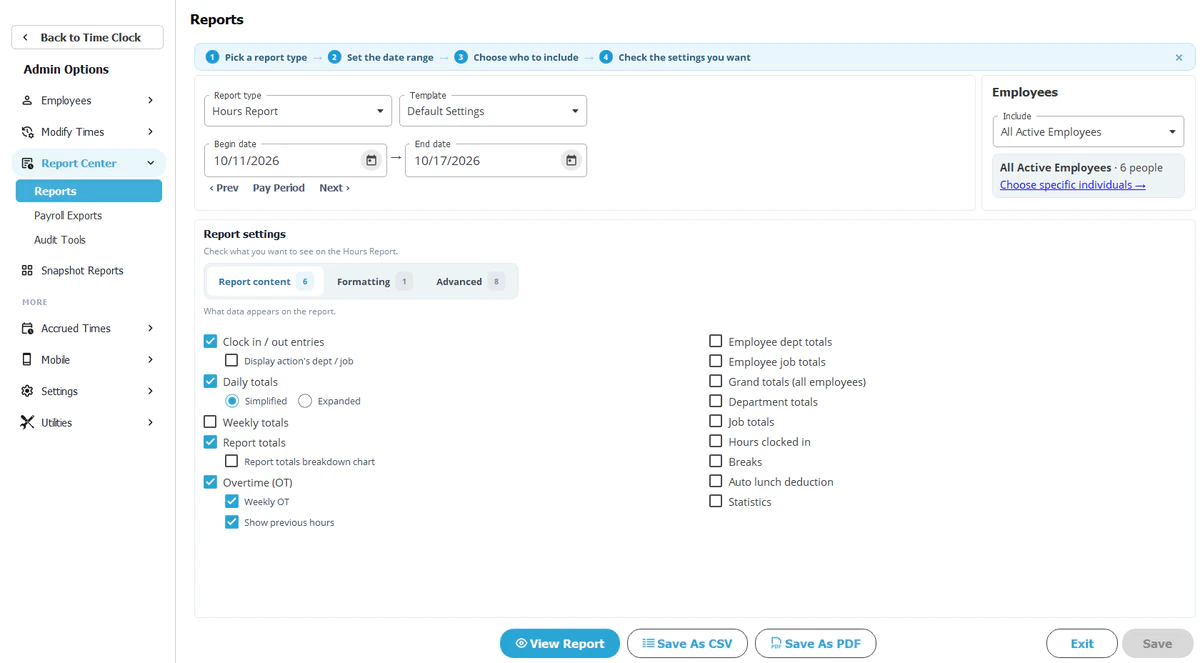
OnTheClock lists integrations with QuickBooks, Gusto, ADP, Paychex, SurePayroll, Sage, Paylocity, Square Payroll and others. TimeClick creates export files for QuickBooks Desktop, QuickBooks Online, Gusto, ADP Workforce Now and Passport PBS, included on every license. OnTheClock covers more payroll systems. If yours is on TimeClick’s list, see the payroll integration page.
Free tools
Both sites have free tools you can use without an account. TimeClick’s include the time card calculator, the hours to decimal calculator, the military time converter and the federal holidays list.
Switching from OnTheClock to TimeClick
- Export your employee list and your last pay period’s hours from OnTheClock.
- Install the TimeClick free trial on your office PC.
- Import or add your employees and set your overtime and rounding rules. Past punches stay in OnTheClock, so keep its last reports. Setup help by phone or chat is free during the trial.
- Run both clocks for one pay period and compare totals.
- Export the pay period from TimeClick to your payroll system.
- Cancel OnTheClock after the last payroll it covers.
OnTheClock alternative FAQ
Is there an OnTheClock alternative without a monthly fee?
Yes. TimeClick is a one-time license from $299. The yearly TimeClick Unlimited renewal is optional and covers updates, support and the phone app.
How much does OnTheClock cost for 10 employees?
$45 a month for time tracking at Nov 8, 2026 list prices ($5 base plus $4 per employee).
Does TimeClick have a phone app like OnTheClock?
Yes, for iPhone and Android, with a 2-device license or larger and an active TimeClick Unlimited. Each phone counts as a device.
Does TimeClick run payroll?
No. It exports hours to QuickBooks, Gusto, ADP or Passport, and you run payroll there.
Can I keep my records if I stop paying?
Your TimeClick records stay on your own PC. The license is a one-time purchase, and the optional renewal covers updates, support and the phone app.
Does TimeClick have scheduling?
No. You can set a start time per employee to track who’s late, but TimeClick isn’t a scheduling tool.
Try TimeClick for 14 days
Install TimeClick on your office PC, add your team and run one pay period. No credit card needed.