
Employee Attendance Tracking Software You Buy Once
TimeClick tracks attendance on your own Windows PC and on your employees’ phones. You see who’s clocked in right now and who came in late, time off is tracked in the same program, and you pay for the software once, with unlimited employees.
- See who’s in right now
- Late and early clock-ins
- Time off in the same program
- One-time price, unlimited employees
Trusted by 8,000+ businesses, offices and stores









See who’s in, out or on break
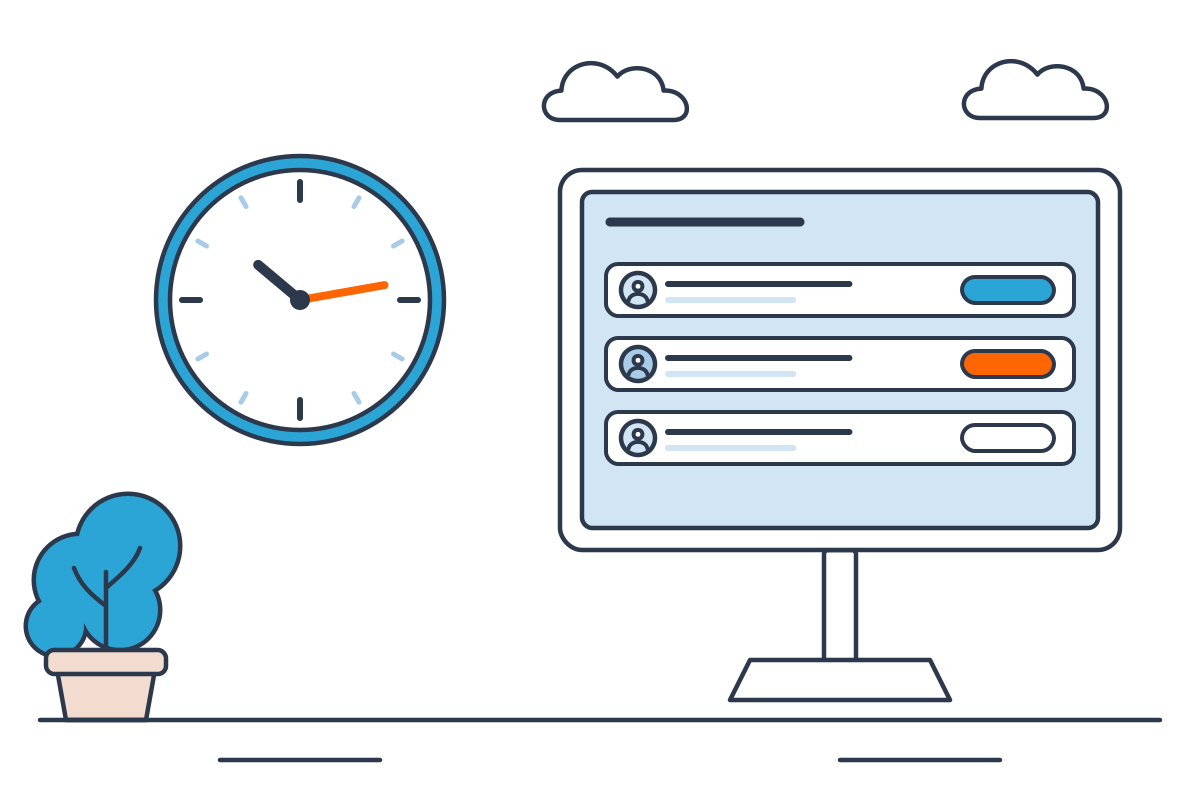
Each employee clocks in with their own login on an office PC or the TimeClick app. The team attendance view shows how many people are clocked in and clocked out, so you know who’s at work without walking the floor. Employees can pick a department and job code when they clock in and add a note.
Track late arrivals and early clock-ins
Give an employee an expected start time, and TimeClick compares their clock-ins with it. You set a buffer that decides what counts as on time and what counts as late. Early clock-ins show up against the same start time, so you can spot them before you run payroll.
The start time is for punctuality only. TimeClick is a time clock and doesn’t build shift schedules. For handling the conversation with a late employee, see 4 ways to handle late employees.
Early clock-ins show up against the same start time.
Attendance and punctuality reports
TimeClick’s Report Center includes an Attendance report and a Punctuality report, next to the Hours, Summary and Accrued Time History reports. Pick any date range, save your settings as a preset to reuse each pay period, and save the report as a PDF or CSV. See the report center guide.
Stop buddy punching
- Own login for each employee, so one person can’t clock in for another without their credentials.
- Geofencing on the phone app checks mobile clock-ins against the locations you set. It’s included at no extra cost.
- The Location Viewer shows a map of where each phone punch happened.
- Edits are logged. The audit tools show which times an admin changed or added, who did it and when.
More in the buddy punching guide, or estimate what it costs you with the time theft calculator.
Time off tracking in the same program
Attendance includes the days people are off. Create as many time-off categories as you need, such as vacation, sick leave and personal days. Employees request time off from their login, an admin approves it, and balances update on their own. PTO hours show up on payroll reports. See the PTO tracker.
Balances update on their own once it is approved.
Attendance keeps recording when the internet is down
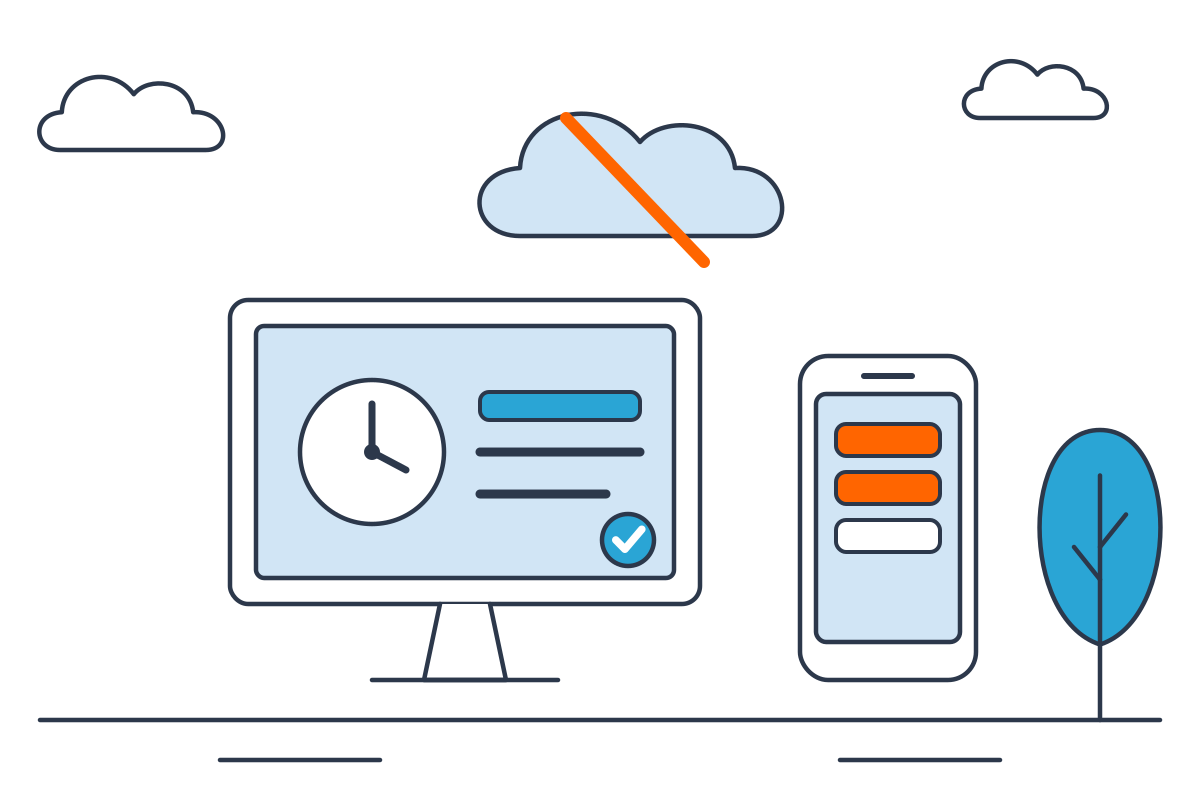
TimeClick installs on your Windows computer or server, and attendance records stay there. Employees can keep clocking in and out on your PCs when the internet goes down. The phone app saves punches on the phone until it reconnects, then sends them to your server. More on the trade-offs in desktop vs cloud time clock software.
Free employee attendance tracker for Excel
Not ready for software yet? Download a free attendance tracker for Excel. It covers a year for up to 20 employees, with one tab per month, a code for each day (present, absent, late, paid time off, sick, holiday) and yearly counts on a summary tab. It also opens in Google Sheets with File, Import.
One tab per month, yearly counts on a summary tab, up to 20 employees.
What attendance tracking costs with TimeClick
You pay once for the number of devices people clock in on. Every license includes unlimited employees and the first year of TimeClick Unlimited (new versions, U.S.-based support and the phone app).
| Devices | One-time price |
|---|---|
| 1 PC (desktop only) | $299 |
| 2 | $499 |
| 5 | $749 |
| 10 | $999 |
The phone app needs a 2-device license or larger and an active TimeClick Unlimited, and each phone counts as a device. After the first year, TimeClick Unlimited is optional, from $149 a year. See all tiers on the pricing page.
- Unlimited employees
- New versions
- U.S.-based support
- The phone app
From $299 once. The first year of TimeClick Unlimited is included.
Attendance tracking software FAQ
What is attendance tracking software?
Software that records when employees start and finish work, who’s late or absent, and who’s on leave, so you don’t rely on sign-in sheets.
Can TimeClick show who’s late?
Yes. Give each employee an expected start time and an on-time buffer, and TimeClick marks late clock-ins.
Can I see early clock-ins?
Yes. TimeClick compares each clock-in with the employee’s expected start time, so early and late punches both show up.
Does TimeClick schedule shifts?
No. It uses a start time only to track punctuality.
Does it work without internet?
Clock-ins on your PCs do. The phone app saves punches on the phone and sends them when it reconnects.
How much does attendance tracking software cost?
TimeClick is $299 once for one PC with unlimited employees. The phone app starts with the 2-device license at $499.
Can employees clock in from their phones?
Yes, with the TimeClick app for iPhone and Android, on a 2-device license or larger with TimeClick Unlimited.
Can I see where phone clock-ins happened?
Yes. The Location Viewer shows a map of phone punches.
Try TimeClick’s attendance tracking free for 14 days
Install TimeClick on your office PC and track attendance for two weeks. No credit card needed, and setup help by phone or chat is free during the trial.