
TimeClick vs Time Clock MTS: Two Time Clocks You Buy Once
TimeClick and Time Clock MTS are both Windows time clock programs you buy once, with no monthly fee. Time Clock MTS costs less. TimeClick adds a phone app, payroll export files for named payroll systems and phone and chat support. This page compares the two using each company’s own website, checked on Nov 8, 2026.
TimeClick and Time Clock MTS at a glance
| Time Clock MTS | TimeClick | |
|---|---|---|
| Pricing model | One-time license | One-time license |
| One PC | $99 (Stand Alone) | $299 (1 device) |
| 20 PCs in total | $199 (Network covers 1 admin PC plus 20 clock PCs) | $1,499 (20 devices) |
| Employees | Up to 500 (Stand Alone and Network), 1,000 (Network PLUS) | Unlimited |
| Phone app | Not mentioned on its site | iPhone and Android, 2-device license or larger |
| Geofencing for phone punches | Not mentioned on its site | Available |
| Fingerprint scanner | Supported (DigitalPersona 4000/4500) | Not supported |
| Webcam photo at clock-in | Supported | Not supported |
| Named payroll exports | Not named on its site | QuickBooks Desktop, QuickBooks Online, Gusto, ADP Workforce Now, Passport PBS |
| Support | Chat answered within 10 seconds, phone within 30, email | |
| Updates and support included | 1 year | 1 year (TimeClick Unlimited) |
| Free trial | 30 days, then free for up to 3 employees | 14 days, no credit card, free setup help |
| Platform | Windows | Windows, plus the phone app |
Checked Nov 8, 2026 on the Time Clock MTS shop, Time Clock MTS FAQ, TimeClick pricing and the TimeClick app page.
What each one costs
Time Clock MTS sells three editions, each with a year of updates and technical support:
- Stand Alone, $99: one computer, up to 500 employees.
- Network, $199: one administrator computer and up to 20 time clock computers, up to 500 employees.
- Network PLUS, $399: up to 100 time clock computers and 1,000 employees, using a SQL Server or MySQL database you provide.
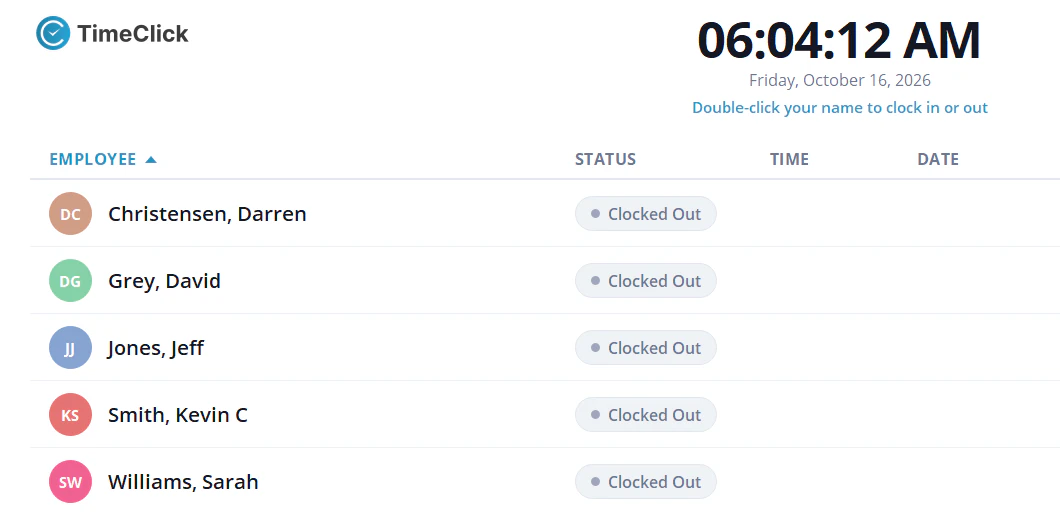
TimeClick is priced by the number of devices employees clock in on, including the office computer that holds TimeClick and each phone running the app. Employees are unlimited, and the first year of TimeClick Unlimited (new versions, U.S.-based support and the phone app) is included.
| Devices | TimeClick one-time price | Optional renewal after year one |
|---|---|---|
| 1 | $299 | $149 a year |
| 2 | $499 | $199 a year |
| 5 | $749 | $249 a year |
| 10 | $999 | $299 a year |
| 20 | $1,499 | $379 a year |
Three common setups:
| Setup | Time Clock MTS | TimeClick |
|---|---|---|
| One office PC | $99 | $299 |
| Office PC plus 4 phones | No phone app on its site | $749 (5 devices) |
| 10 clock PCs | $199 (Network) | $999 (10 devices) |
If you only need clocks on PCs and want the lowest price, Time Clock MTS costs less.
Where Time Clock MTS is the better fit
- You want the lowest price for one PC or many PCs.
- You want fingerprint scanners or a webcam photo at each punch.
- You’d like a 30-day trial.
- Email support is enough for you.
Where TimeClick is the better fit
- Some employees clock in from their phones. The TimeClick app runs on iPhone and Android, syncs punches to your Windows server and can limit mobile clock-ins to approved locations.
- You want an export file built for your payroll system: QuickBooks Desktop, QuickBooks Online, Gusto, ADP Workforce Now or Passport PBS.
- You want employees to request time off and admins to approve it in the same program.
- You’d rather call or chat than email. TimeClick chats are answered within 10 seconds and calls within 30, and setup help is free during the trial.
- You don’t want an employee limit.
Payroll exports compared
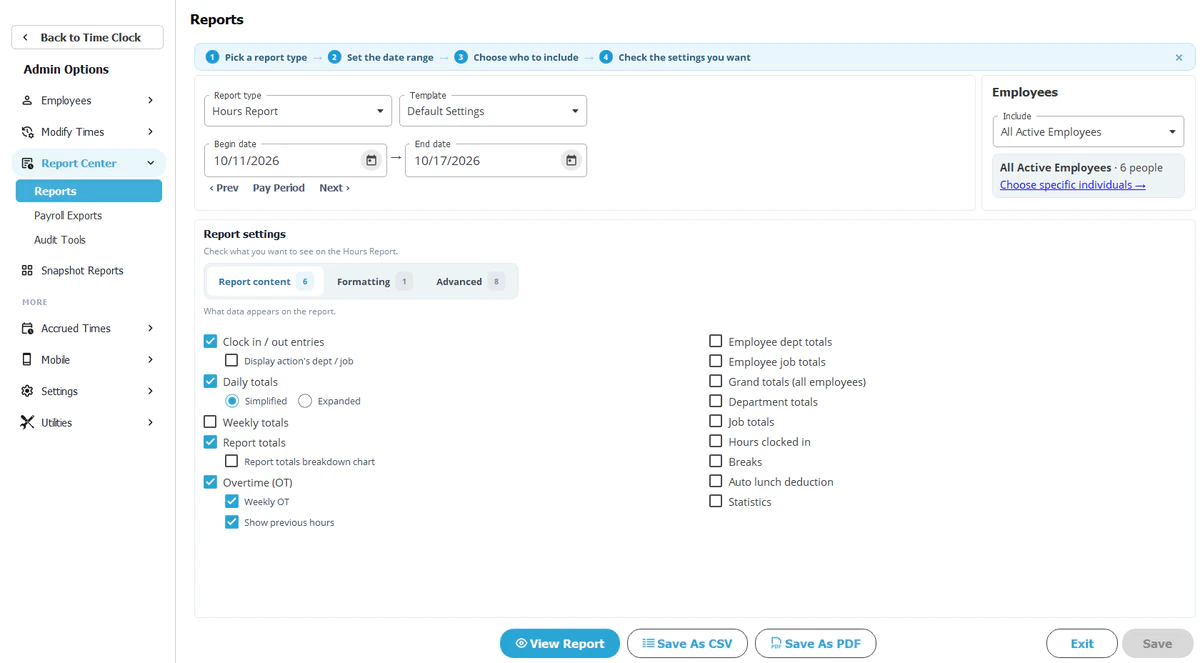
TimeClick creates payroll files formatted for QuickBooks Desktop, QuickBooks Online, Gusto, ADP Workforce Now and Passport PBS, included on every license. See the payroll integration page. The Time Clock MTS site says its reports are suitable for your payroll department; it doesn’t name specific payroll systems.
Support compared
Time Clock MTS lists email support and a contact page. TimeClick offers chat, phone and email with a U.S.-based team, Monday to Friday, 7:00 a.m. to 4:00 p.m. Mountain Time. See TimeClick support.
Switching from Time Clock MTS to TimeClick
- Run your last pay period in Time Clock MTS and keep the report.
- Install the TimeClick free trial on the same Windows PC or another one.
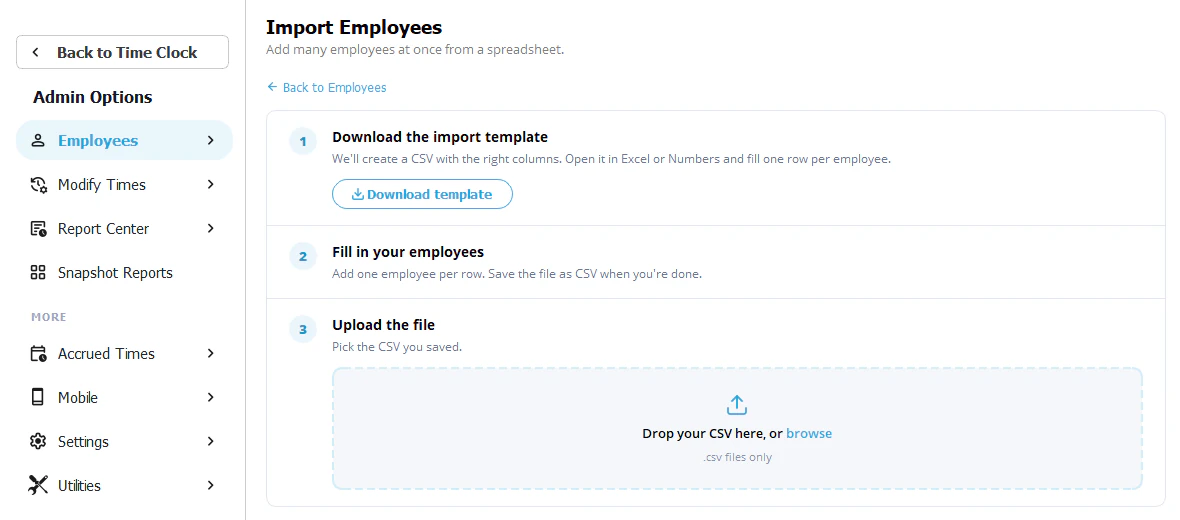
- Import or add your employees and set your overtime and rounding rules. Past punches stay in Time Clock MTS, so keep its last reports. Setup help by phone or chat is free during the trial.
- Run both for one pay period and compare totals.
- Export the pay period from TimeClick to your payroll system.
TimeClick vs Time Clock MTS FAQ
Is Time Clock MTS a one-time purchase?
Yes. Its shop page says “Only buy once, no monthly fees,” and each edition includes a year of updates and support.
Is TimeClick a one-time purchase?
Yes, from $299 for one device, with the first year of TimeClick Unlimited included. Renewal after that is optional.
Which is cheaper?
Time Clock MTS, for PC clocks: $99 for one PC against TimeClick’s $299.
Does Time Clock MTS have a phone app?
Its website doesn’t mention one as of Nov 8, 2026.
Does TimeClick work with fingerprint scanners?
No. Employees clock in with their own login on a PC or the phone app.
Can I move my employees from Time Clock MTS to TimeClick?
You add your employees in TimeClick during setup, and setup help is free during the trial.
Do both run on a Mac?
Both are Windows programs. TimeClick’s phone app runs on iPhone and Android.
Try TimeClick next to your current clock
Run TimeClick for one pay period beside Time Clock MTS and compare. No credit card needed.