
On this page
Not sure how to get on the newest version of TimeClick? Don’t worry. We’ll break it down in plain language.
When people talk about “updating” TimeClick, they usually mean one of two things:
- Patch updates: Small fixes or improvements within your current version (example: a newer build of TimeClick 25, such as 25.0.0.2)
- Version upgrades: Moving from an older version to the latest release (example: TimeClick 21 → TimeClick 25)
This guide explains the difference and points you to the right steps.
Patch Updates (Small Fixes & Improvements)
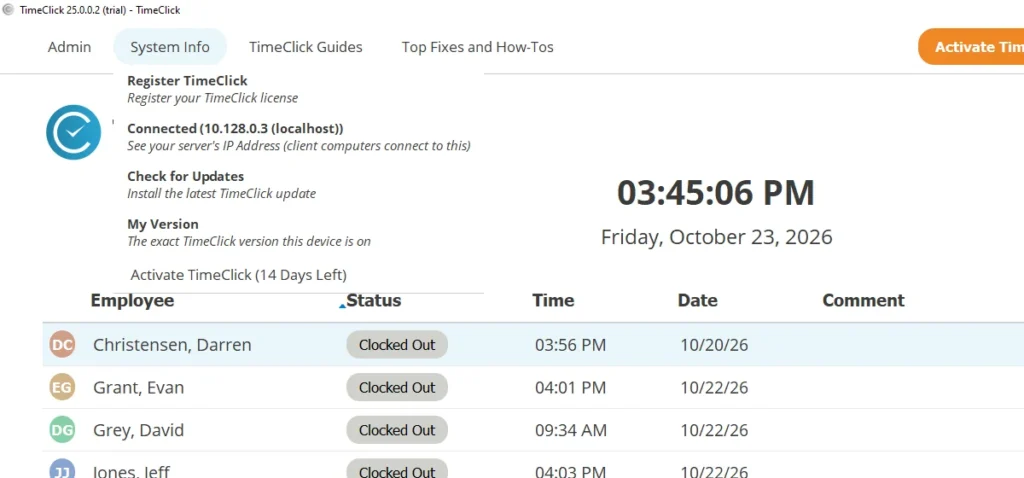
If you’re already on the newest version of TimeClick and just need the latest patch, start here:
This quick guide walks you through how to:
- Check which version you’re currently running
- Update every device so they all match
- Confirm your server and clients are on the same patch
Once you’ve verified that everything is synced, it helps to understand how these smaller updates work and what to expect from them.
What to know about patch updates
Patch updates are small releases focused on improving performance, fixing bugs, and making small interface adjustments. They’re quick to install and always free to download.
- Released roughly every three months
- Optional unless you’re fixing a specific issue
- Focused on stability, bug fixes, and minor improvements
- If you’re on TimeClick 25, your server will notify you when a patch is ready. You can also check anytime under System Info → Check for Updates.
- Installation usually takes less than a minute per device
TIMECLICK TIP
If everything is working smoothly, you don’t need to rush to install every patch. We’ll notify you if a critical update is released.
Version Upgrades (Major Releases)
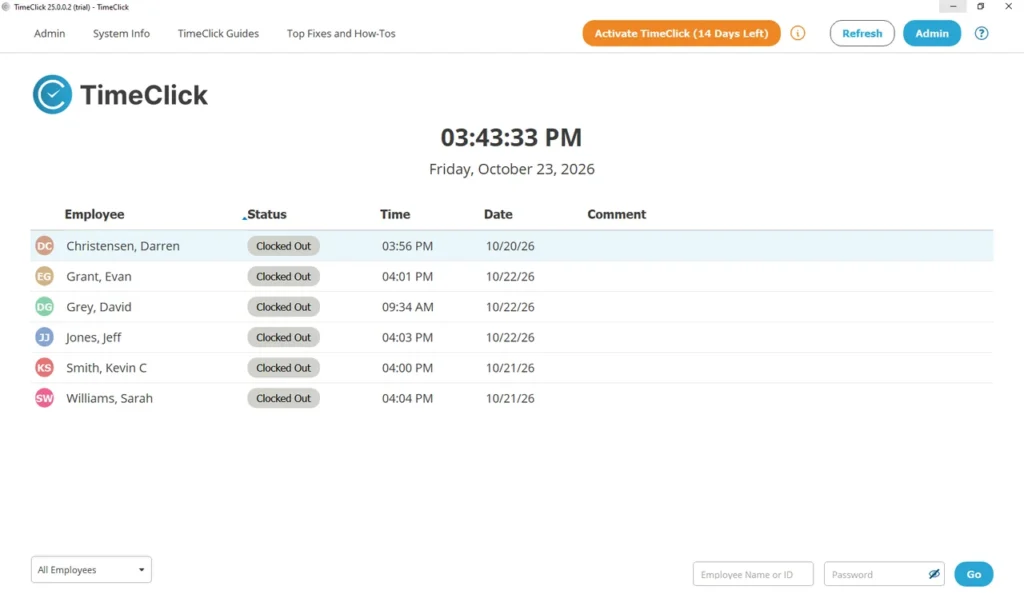
If you’re moving from an older release, such as TimeClick 21, to the latest version, TimeClick 25, that’s called a version upgrade.
To walk through the process step by step, follow our upgrade guide here:
BEFORE YOU UPGRADE
- You’ll need an active TimeClick Unlimited Membership.
- Not sure if you have one? Email support@timeclick.com with your company name, and our team will check for you.
Once you’re ready to upgrade, here’s what you should know about how version upgrades work and what they include.
What to know about version upgrades
- Include major improvements such as new features, refreshed design, and database enhancements.
- Available with an active TimeClick Unlimited Membership (or can be purchased separately).
- Quick to install: about two to three minutes on the server and one to two minutes per client.
Which One Do I Need?
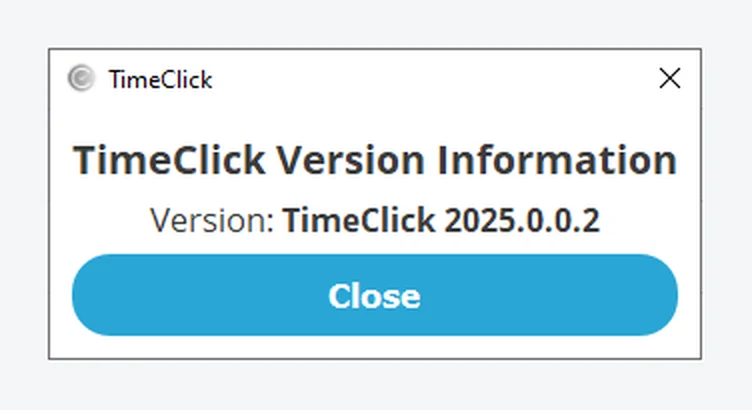
- If you’re on TimeClick 25 and just need the latest fixes → Do a patch update.
- If you’re on TimeClick 21 or earlier and want the newest features → Do a version upgrade.
Still unsure which one you need? Contact our support team, and we’ll help you figure it out right away.
Not using TimeClick yet? Try our time clock software free. Simple setup, secure offline data, and built for small businesses. No credit card required.
Start your FREE TimeClick Trial Today.